

Warning: Deleting a cluster is irreversible. All cluster resources, including nodes and workloads, will be permanently released.
- Navigate to the Container Service > Kubernetes (CKS) cluster list page.
- In the Actions column of the cluster you want to delete, click Delete.
-
A confirmation dialog will appear, showing the cluster name and a warning message. Review the information carefully.
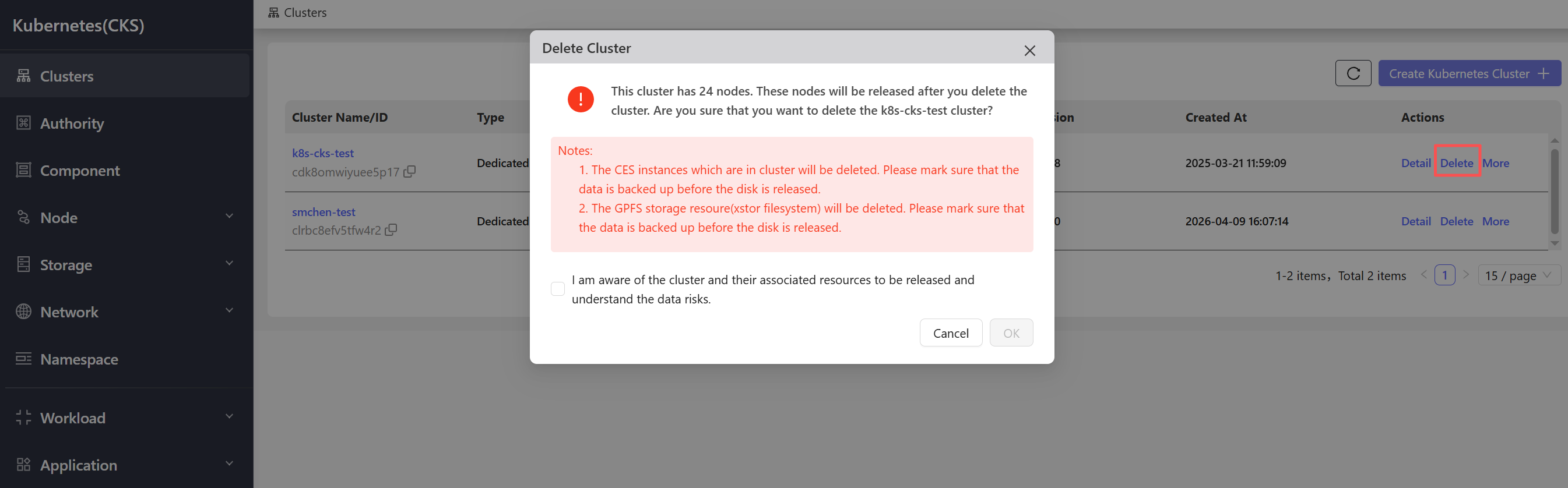
- Click OK to confirm and permanently delete the cluster.