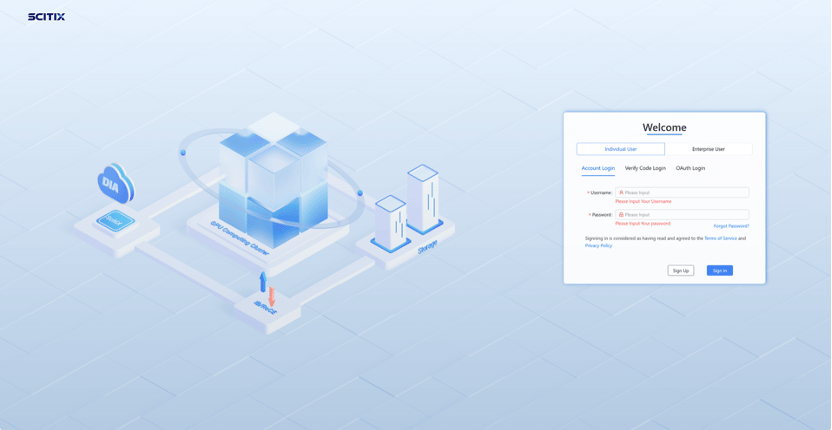
Personal Account
Register online through the login/registration page.Enterprise Account
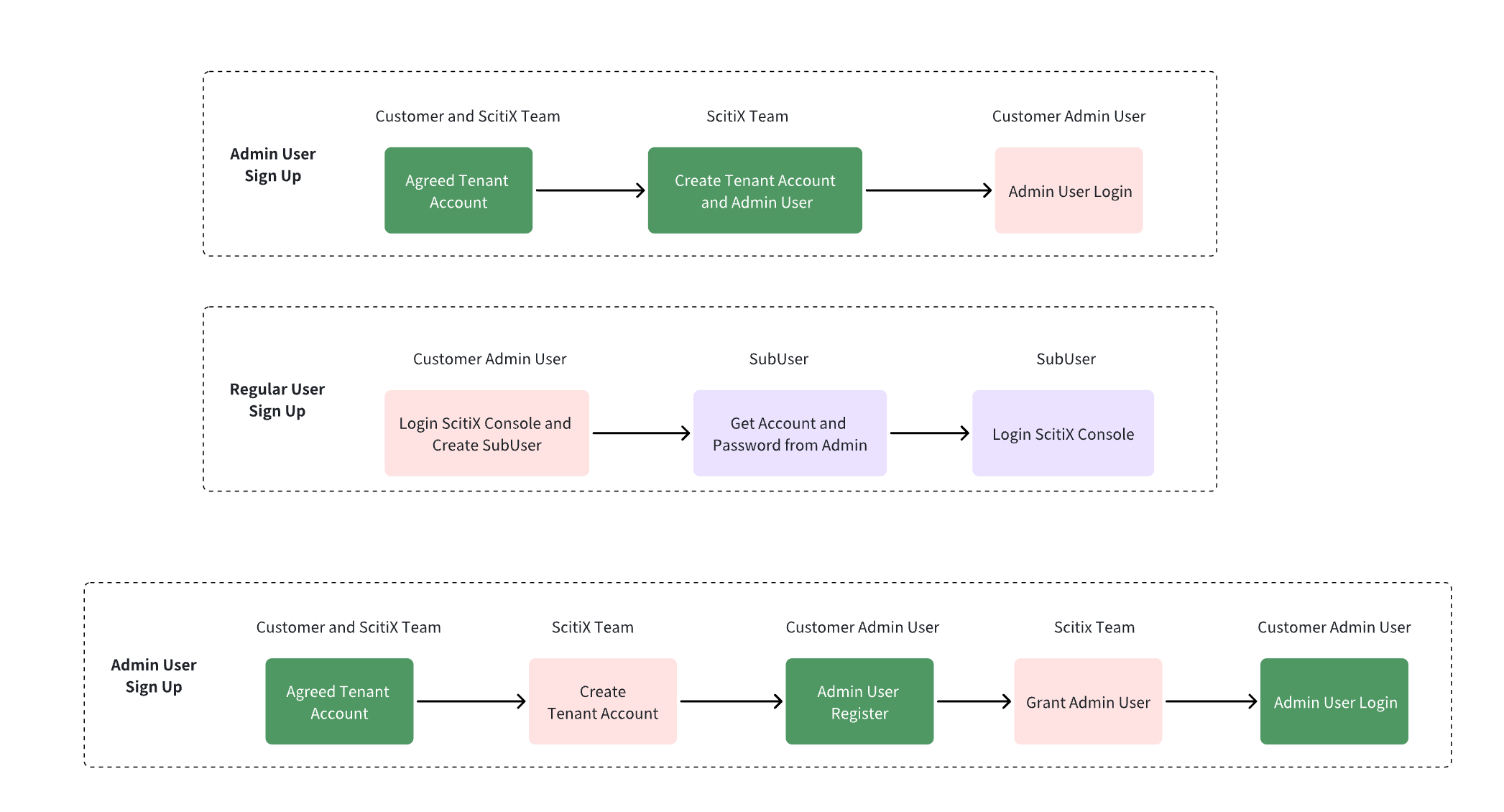
You can create an enterprise account in either of the following ways:- Contact the ScitiX support and technical team to initialize your tenant and admin user.
- Register on the login page yourself, then contact the platform to activate your account.
Tenant and Admin Registration
For enterprise accounts, you can register your tenant and admin user in either of the following ways.Option 1: Contact the ScitiX Team
Communicate with the ScitiX support and technical team, providing the tenant name and the name of the first admin user. Then, wait for the ScitiX technical team to initialize your account. Once the account is initialized, the ScitiX technical team will provide you with the TenantName, AdminUserName, and AdminUserPassword. You can then log in to the ScitiX console.Option 2: Self-Register on the Login Page
Register on the login page yourself, then contact the platform to complete activation of your account. URL: https://console.scitix.aiUser Management
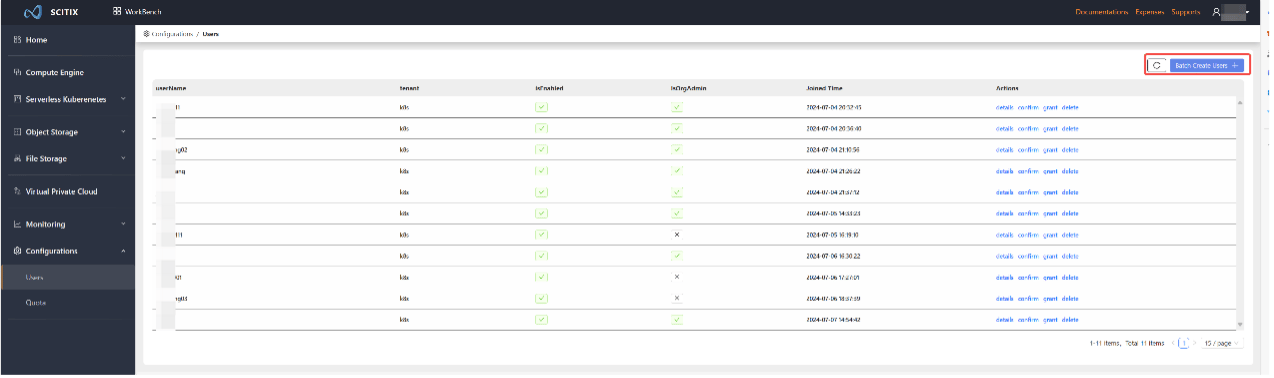
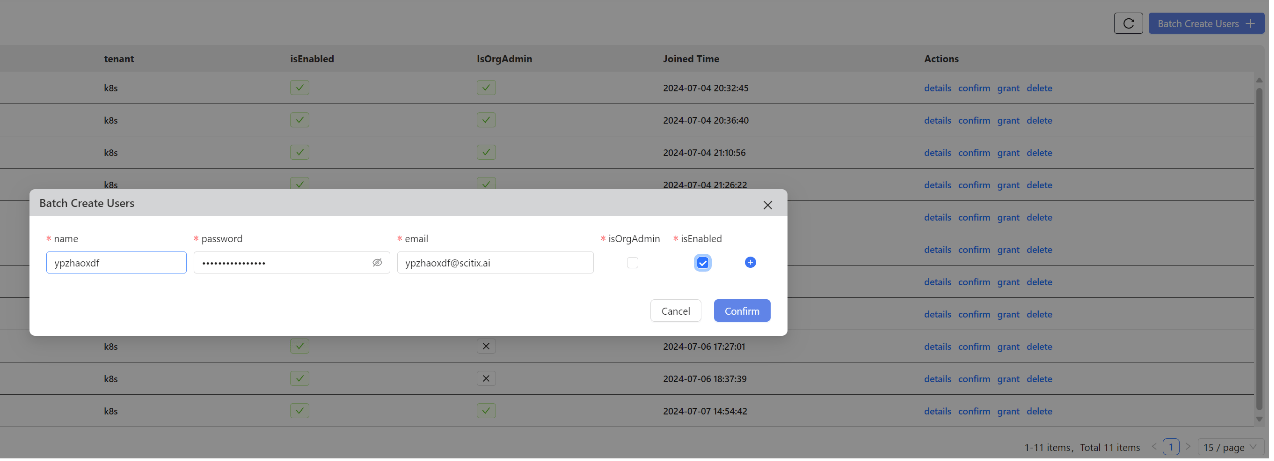
After the account is reviewed and approved, the admin user (user1) can log in to the ScitiX console.