- CES
- CSS
- CKS
Steps:
- Go to the Monitoring product page.
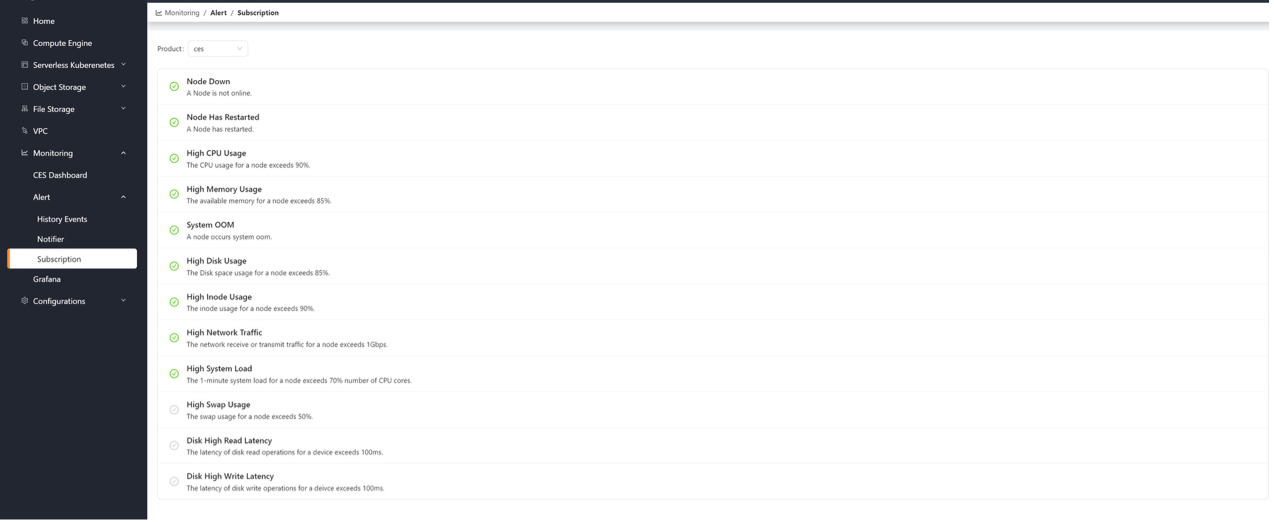
- Click on Alert -> Subscription to open the subscription page.
- Choose from the Product list on the page to switch between alert events available for subscription for that product.
- Click the gray box next to each alert event to subscribe; click again to unsubscribe.