

Generate Kubeconfig
- Go to the Serverless Kubernetes -> Kubeconfig management page.
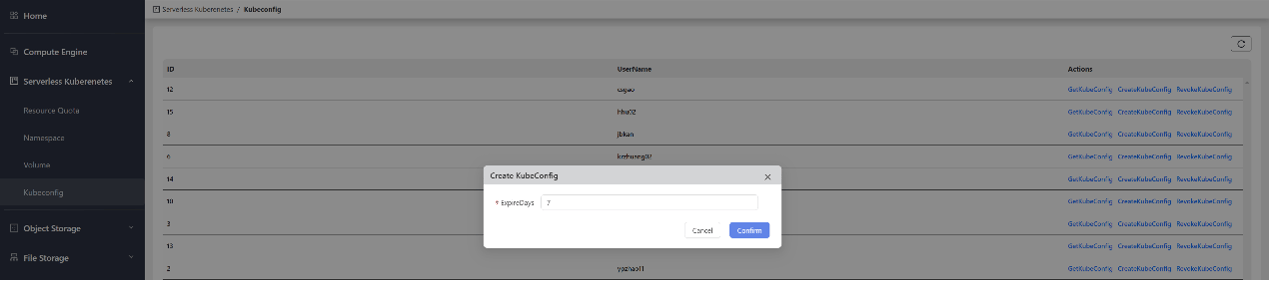
- On the right side of the user entry for which you need to generate kubeconfig, click CreateKubeconfig.
- Enter the kubeconfig validity period in days as needed, then click Confirm to complete the creation.
View Kubeconfig
- Go to the Serverless Kubernetes -> Kubeconfig management page.
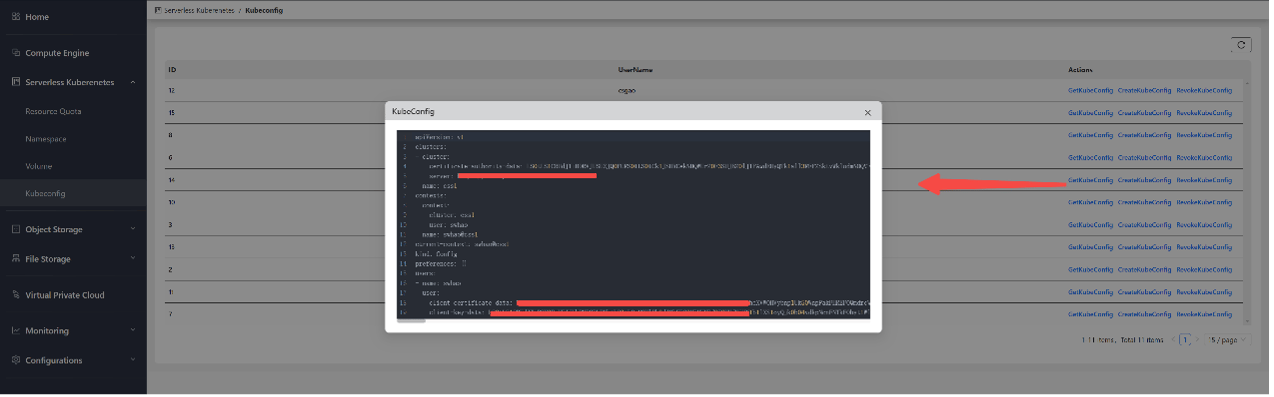
- On the right side of the user entry for which you need to view the kubeconfig, click GetKubeconfig.
Use Kubeconfig
After you obtain the kubeconfig, you can use it to manage Kubernetes resources within the namespace.
Delete Kubeconfig
- Go to the Serverless Kubernetes -> Kubeconfig management page.
- On the right side of the user entry for which you need to delete the kubeconfig, click DeleteKubeconfig.
