

glm-5.2 as an example. For the full model list and pricing, see Models.
Configure
Create an API Key on the API Keys page. After signing in to Refly, open Settings > Model Config or Provider Config, choose Add Provider, and fill in:
Choose Test Connection. When Refly shows Connection test successful, choose Add.
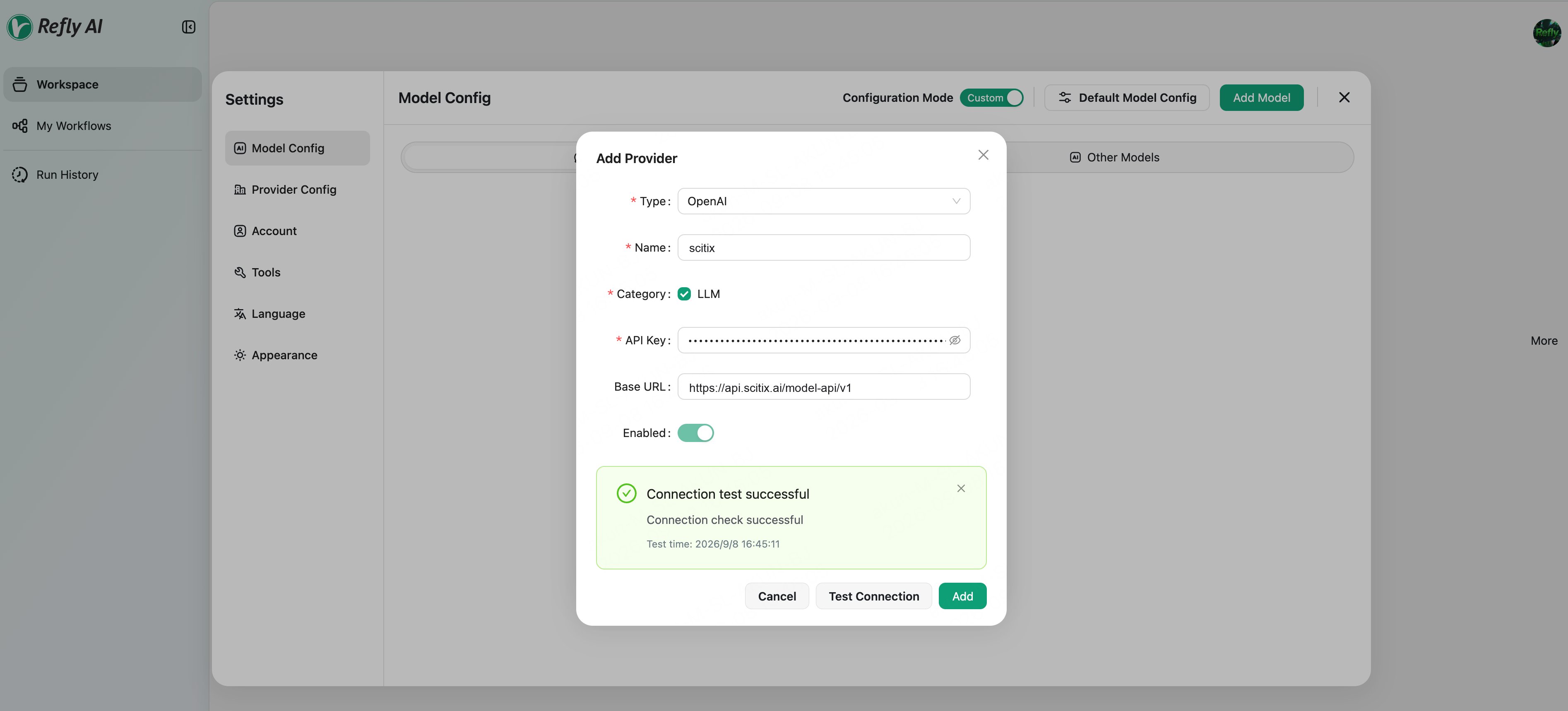
glm-5.2.
Verify
Use the model in a conversation and send a message. A normal reply confirms that the connection works.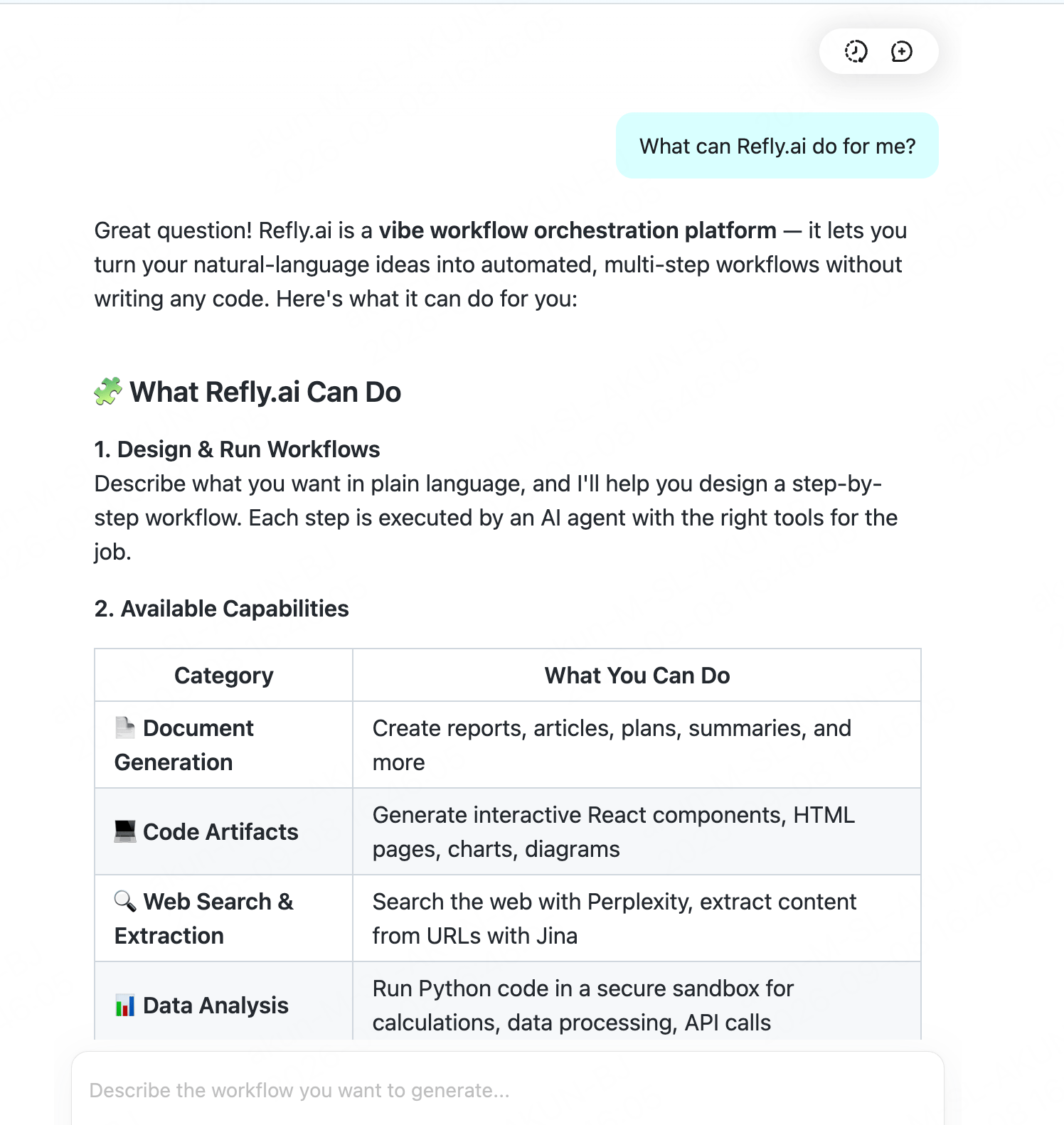
FAQ
- Provider Type:
Select OpenAI. Its Base URL is configurable, so no dedicated ScitiX preset is required. Refly uses LangChain
ChatOpenAIin the backend. - Provider configuration location: Providers are configured in the Web UI and saved to the account, not through environment variables. Use Test Connection after adding the provider to confirm connectivity.
- Tool or workflow capabilities:
Choose a model that supports tool calling.
glm-5.2supports tool calling.