

glm-5.2 and DeepSeek-V4-Flash, and pricing, see the model catalog.
Configure
Create an API Key on the API Keys page, then set two environment variables before starting the server:An
export only lasts for the current shell session. Add the two lines to ~/.bashrc or ~/.zshrc to make them permanent.http://localhost:8080, and create the first account. The first account becomes the administrator.
With the two variables set, Open WebUI reads the model list from the ScitiX endpoint automatically. No per-model setup is needed.
Additional connections and per-model options live in Admin Settings → Connections. Choose a model with native tool calling if you rely on Open WebUI’s tool/function features.
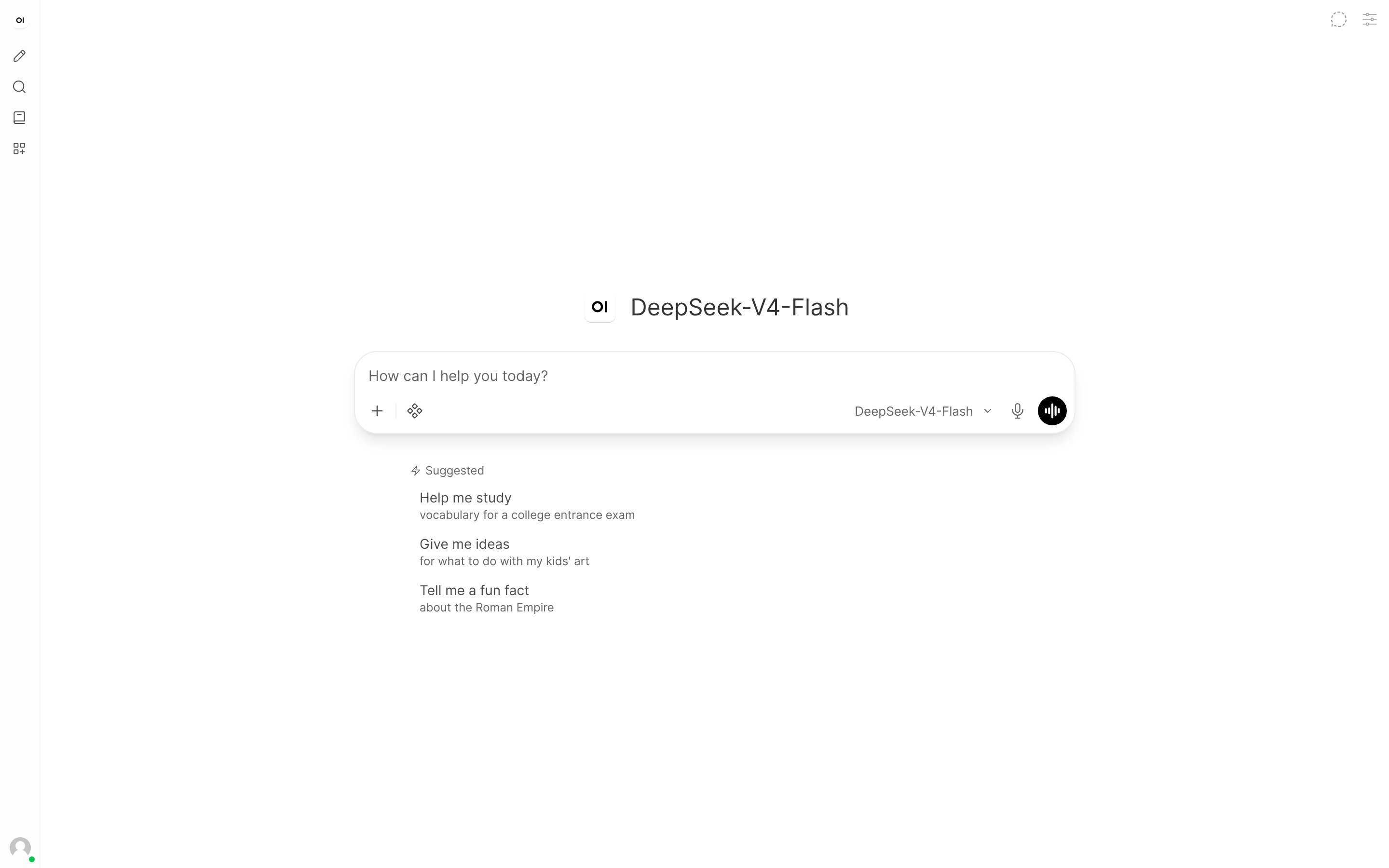
Verify
Pick a ScitiX model from the model selector at the top of the chat and send a message. A normal reply confirms that the connection works.FAQ
- If the model picker is empty, confirm that the two variables were exported in the shell that launched
open-webui serve, and thatGET https://api.scitix.ai/model-api/v1/modelsreturns a list with your key.