

glm-5.2 and DeepSeek-V4-Flash. For model pricing, see the model catalog.
Configure
Create an API Key on the API Keys page. NextChat reads its OpenAI connection from environment variables. Set these before starting:
Choose a model with native tool calling if you use plugin or tool features.
The same three variables apply when deploying on Vercel. Set them in the project’s environment variables. For Docker, pass them with
-e OPENAI_API_KEY=... -e BASE_URL=... -e CUSTOM_MODELS=....
Verify
Open NextChat, pick a ScitiX model from the selector, and send a message. A normal reply confirms that the connection works.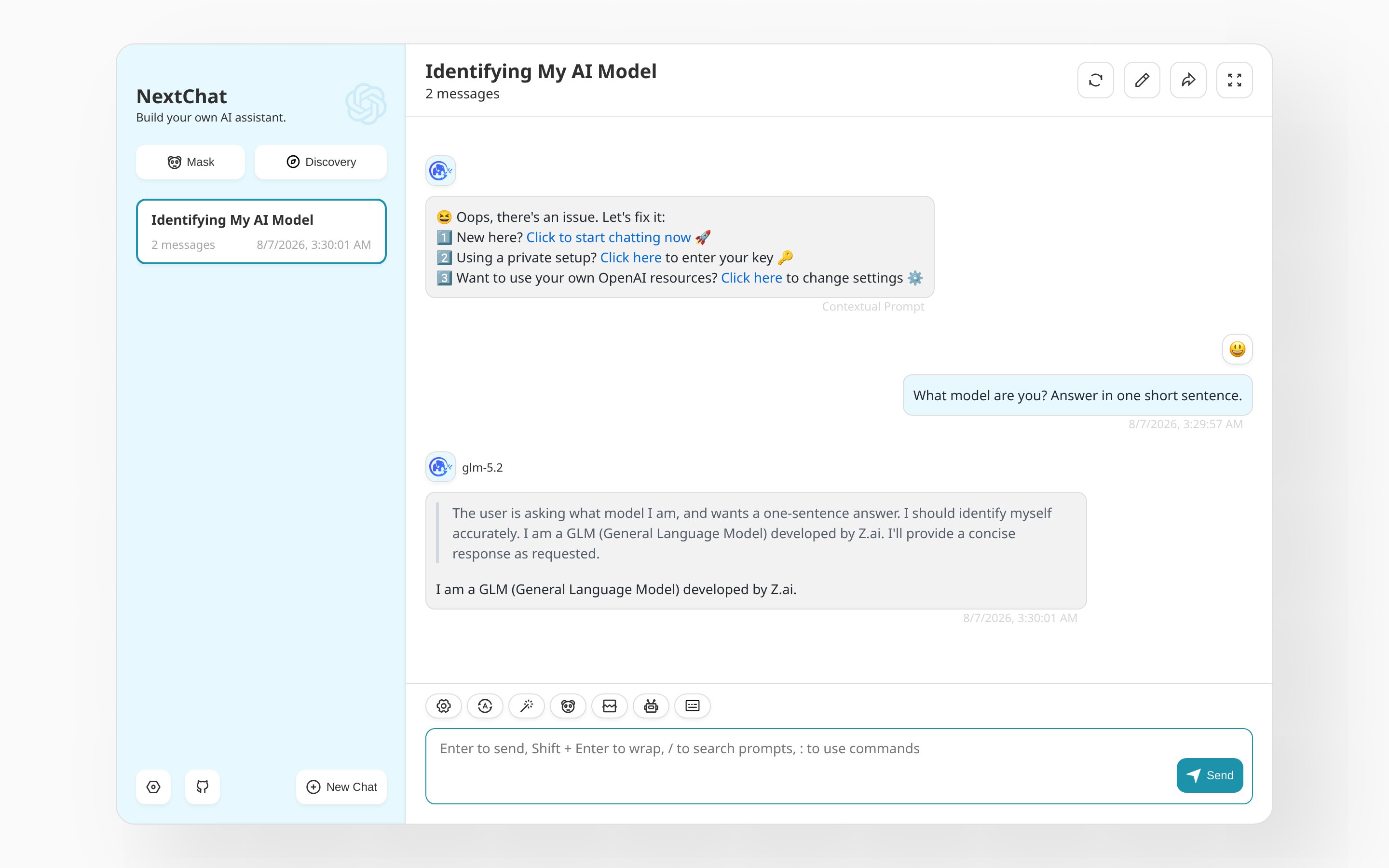
FAQ
- Model picker empty or defaults showing: check
CUSTOM_MODELS.-allclears the built-in list, then+<model>adds each ScitiX model.