librechat.yaml.
Default model here is glm-5.2; see the Models page for the full list and pricing.
Deploy LibreChat per the official guide.
Configure
Providers in LibreChat are defined server-side inlibrechat.yaml, not in the UI. Create an API key on the ScitiX API Keys page, then add ScitiX as a custom endpoint:
Pass the key in the environment LibreChat reads (its
.env, or the container env). Make sure the config file is picked up (CONFIG_PATH=/path/to/librechat.yaml, or the default ./librechat.yaml):
Verify
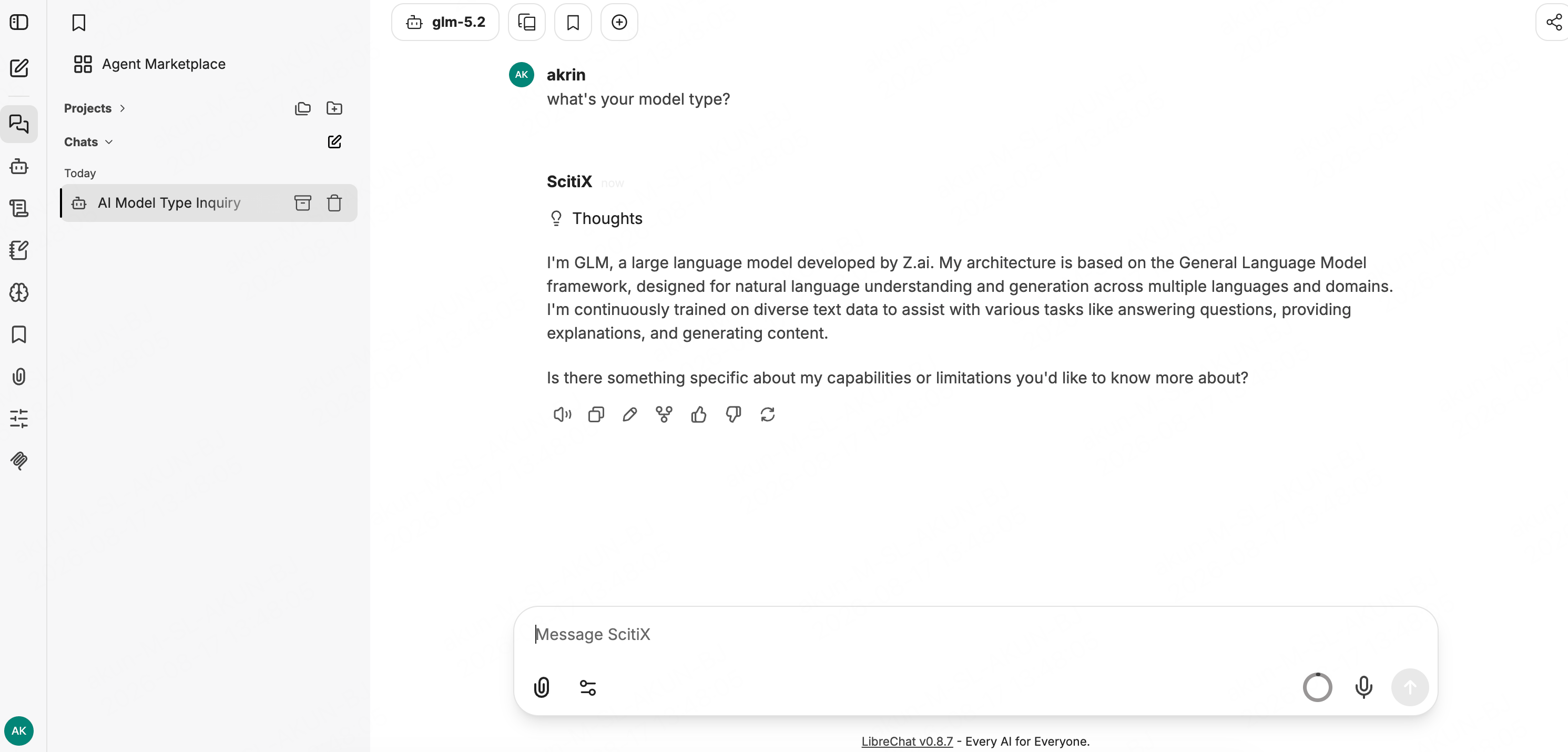
Restart LibreChat, sign in, and open a new chat. In the top-left endpoint selector choose ScitiX (modelglm-5.2), send a message — a normal reply confirms the connection.