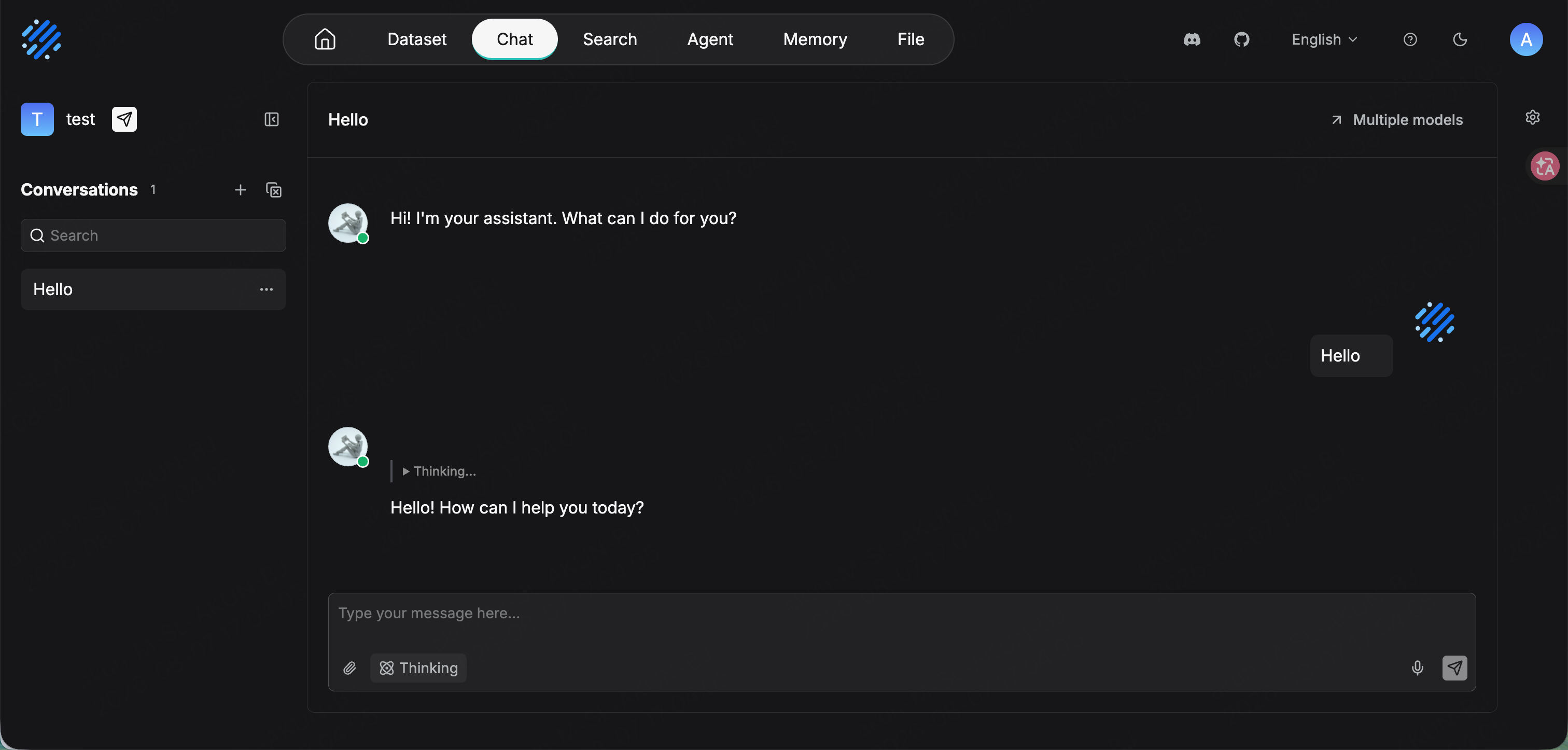
http://localhost.
Supported chat models include glm-5.2 and DeepSeek-V4-Flash. The embedding model in this guide is Qwen/Qwen3-Embedding-8B. See the model catalog.
Configure
Create an API Key on the API Keys page, then open Model providers from the top-right avatar menu. Find OpenAI-API-Compatible and add it.
Click List models to fetch the available models and confirm connectivity, then click Ok.
Add the models you need and choose the correct model type for each.
RAGFlow keeps chat and embedding models in separate lists. Add
glm-5.2 as chat and Qwen/Qwen3-Embedding-8B as embedding. Choose a chat model with native tool calling if you use agent features.
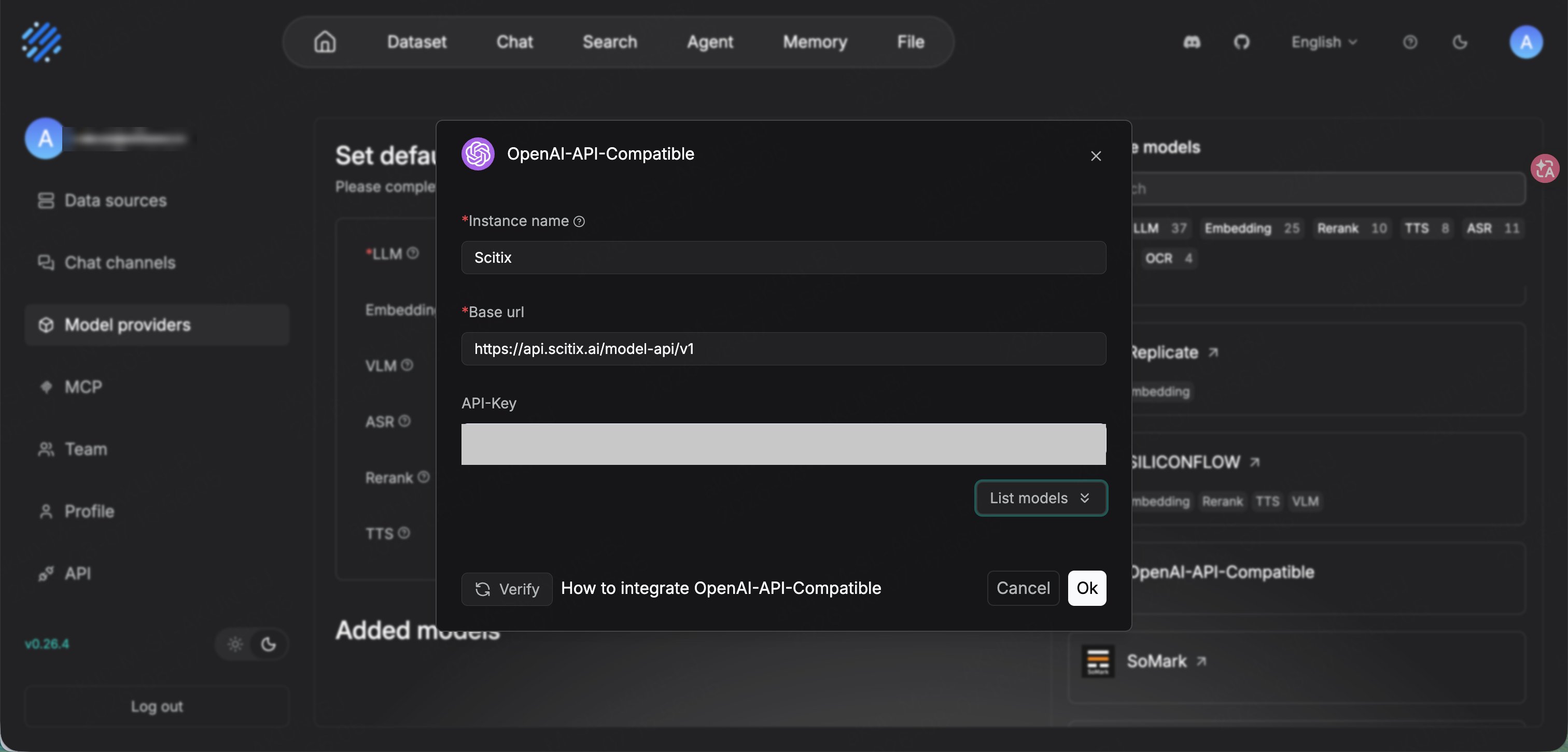
glm-5.2 and Embedding to Qwen/Qwen3-Embedding-8B.
Verify
Create a chat assistant from Chat → Create an Assistant, or use the default one. Confirm that its model isglm-5.2, then send a message. A normal reply confirms that the connection works.
For document RAG, create a Dataset with Qwen/Qwen3-Embedding-8B as the embedding model, upload and parse a document, then bind the dataset to a chat assistant.