

glm-5.2 and DeepSeek-V4-Flash — see the Models page for the full list and pricing.
Configure
Create an API key on the ScitiX API Keys page first.1. Add the provider
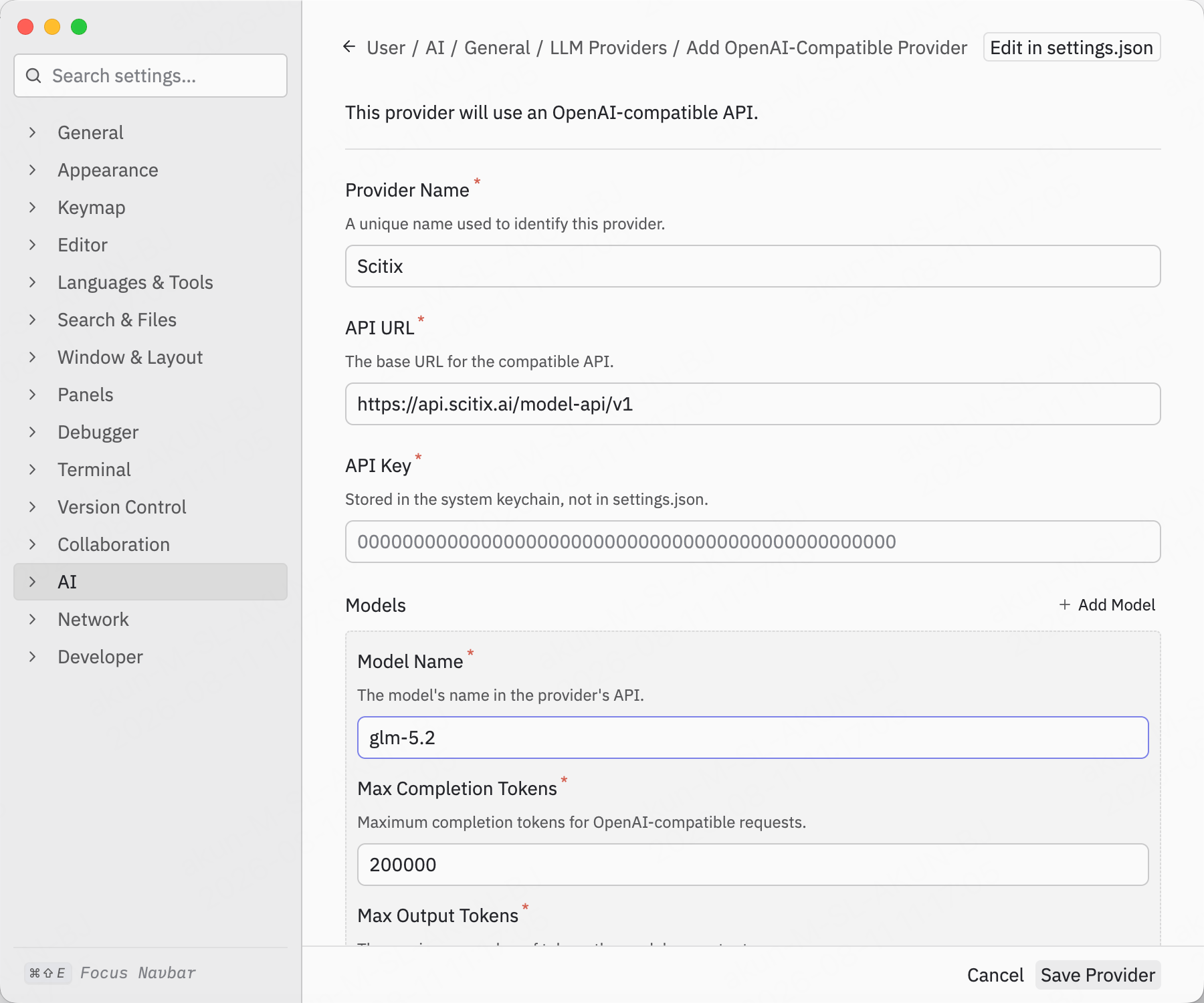
Open Zed’ssettings.json (command palette → zed: open settings) and add an OpenAI-compatible provider under language_models:
Models default to
tools: true, so tool calls work without extra capability flags. Set max_tokens to the model’s real context window.
2. Provide the API key
Do not put the API key insettings.json. Zed accepts it two ways:
- Settings UI — open Settings → User → AI → General → LLM Providers, find scitix in the list, and click Configure to enter the key. Zed stores it in the system keychain.
- Environment variable — Zed derives the name from the provider ID in upper snake case plus
_API_KEY. For thescitixprovider above, setSCITIX_API_KEY, then launch Zed from a shell where that variable is exported.
Verify
Open the Agent Panel, select the ScitiX model (shown as ScitiX glm-5.2) from the model picker, and send a message — a normal reply confirms the connection.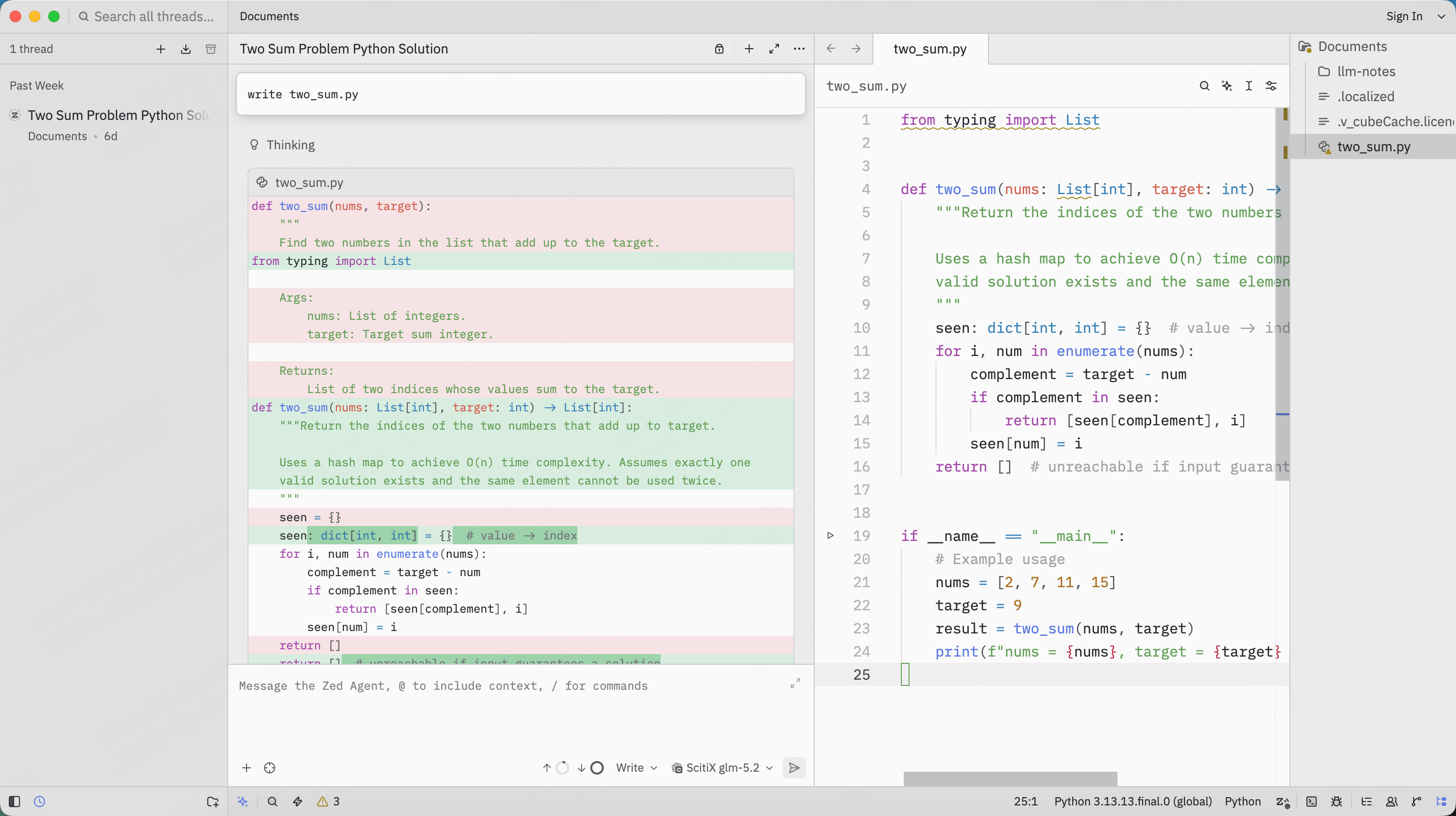
available_models entry is present and api_url ends with /v1.
Verified on Zed 1.14.2 (macOS); the AI settings layout may shift between versions.