

root account.
Supported chat models include glm-5.2 and DeepSeek-V4-Flash. The embedding model in this guide is Qwen/Qwen3-Embedding-8B. See the model catalog.
Configure
Create an API Key on the API Keys page, then open Account → Model Providers.1. Configure a chat model
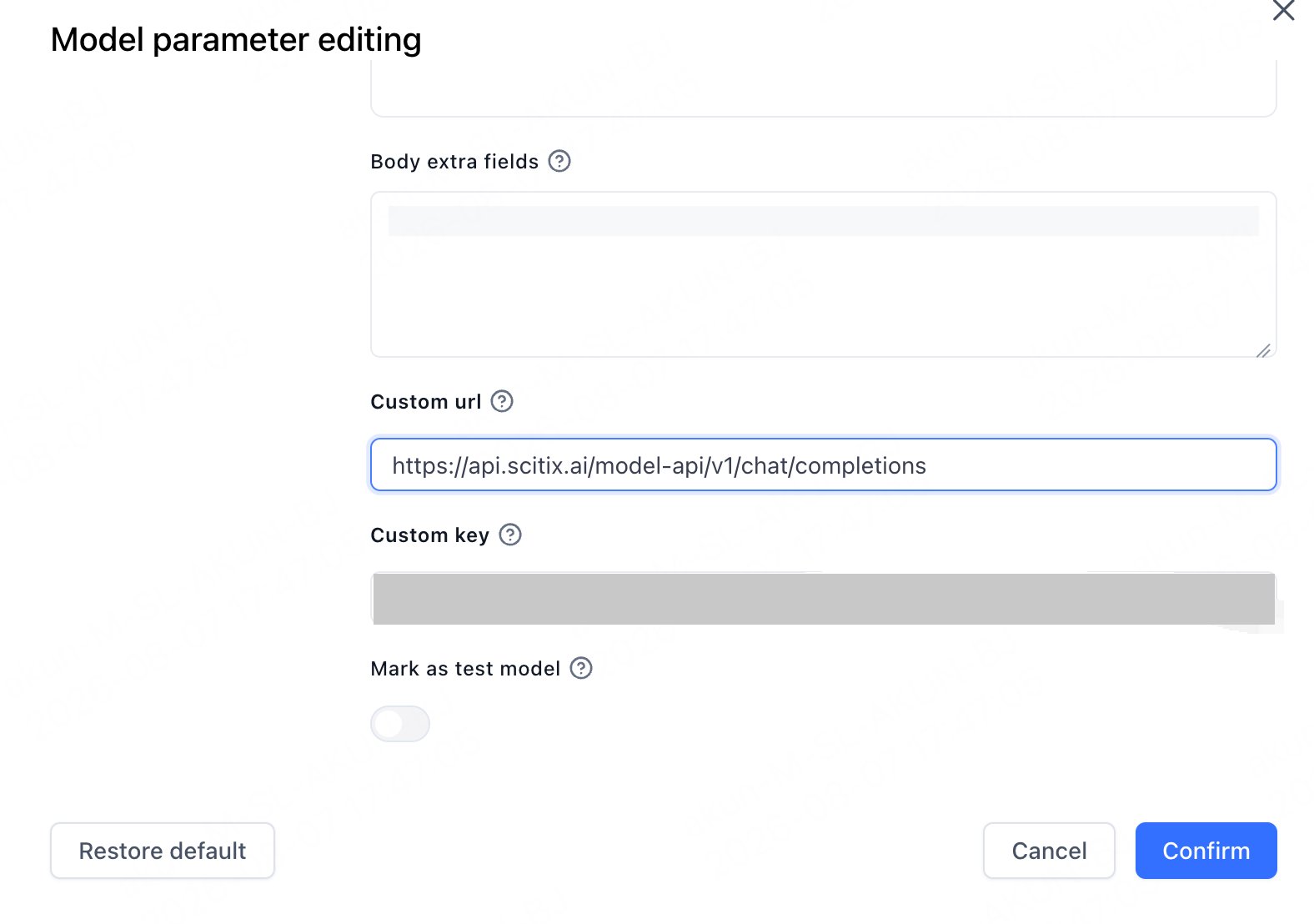
Add or edit a model. In Model parameter editing, set:
Add
glm-5.2 as an LLM model.
The Custom url is the full endpoint. Chat uses https://api.scitix.ai/model-api/v1/chat/completions, and embeddings use .../v1/embeddings. When a per-model Custom url is set, FastGPT calls it verbatim and does not append a path.
2. Configure an embedding model
If you use datasets, addQwen/Qwen3-Embedding-8B as an Embedding model. Its Custom url ends with /v1/embeddings.
- Model type matters. Add
glm-5.2as an LLM andQwen/Qwen3-Embedding-8Bas an embedding/index model. Datasets need an embedding model. - Model IDs must match ScitiX exactly, including the
Qwen/prefix on the embedding model. - Choose a chat model with native tool calling if you use workflow tool nodes or agents.
Verify
Create a simple app in Studio, selectglm-5.2, and send a message in Chat Preview. A normal reply confirms that the connection works.
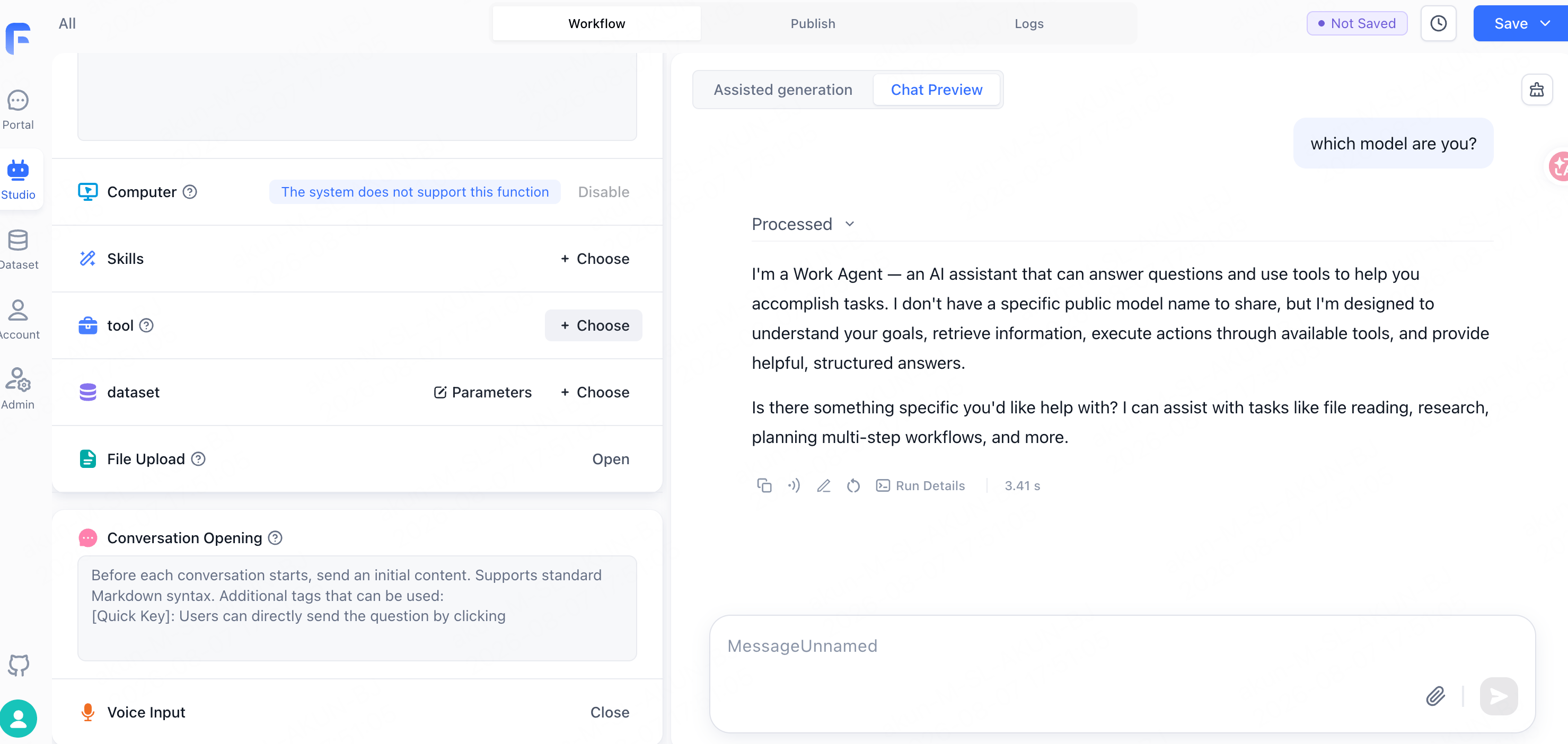
The assistant may describe itself generically, such as “a Work Agent”, rather than by model ID. That is FastGPT’s system prompt, not a routing issue.