

Usage workflow
When using alerts for the first time, we recommend following the steps below for configuration and troubleshooting:- Create a notifier to receive alert messages.
-
Select an alert rule based on the monitoring scenario.
- After enabling the rule, confirm that it is working as expected and is associated with the correct Notifier.
-
After an alert is triggered, view the event status, trigger value, and tag information on the History tab, then return to the relevant resource or monitoring metric to troubleshoot the issue.
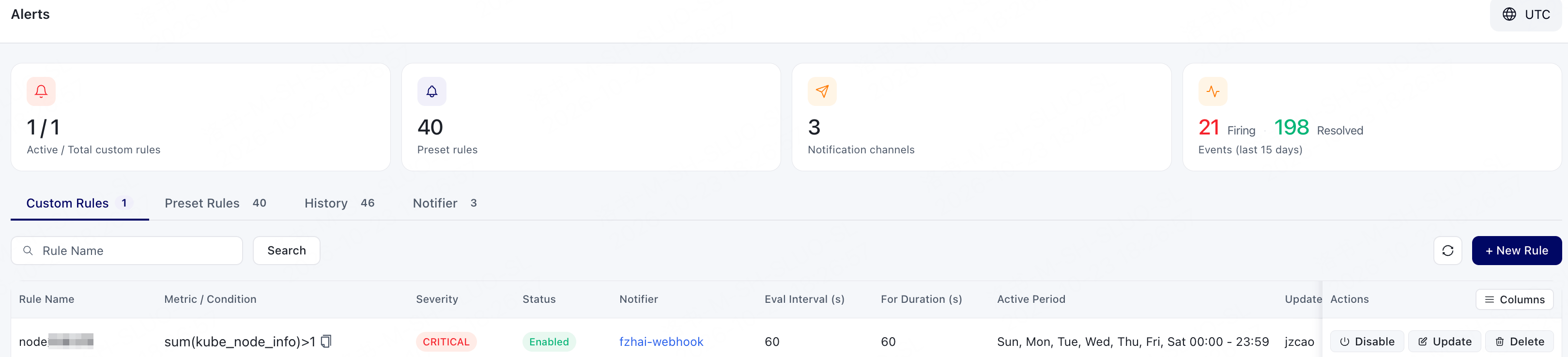
Alert Rule Types
GPU Cloud supports the following two types of alert rules:Alert Event Status
On the History tab, you can view the current status of alerts. Alert statuses include:Alarm Severity
Custom Rules and historical events can use alert severity to distinguish event severity. Alert severity levels includeCRITICAL, WARNING, and INFO.