

Create Custom Rules
- Log in to the GPU Cloud console and go to the Alerts page.
- On the Custom Rules tab, click New Rule.
-
Configure the rule in Basic Setting.
-
Under Active Period, configure the effective dates and active times for the rule.
To make the rule effective during multiple periods on the same day, click Add Period and continue configuration.
-
Click Confirm.
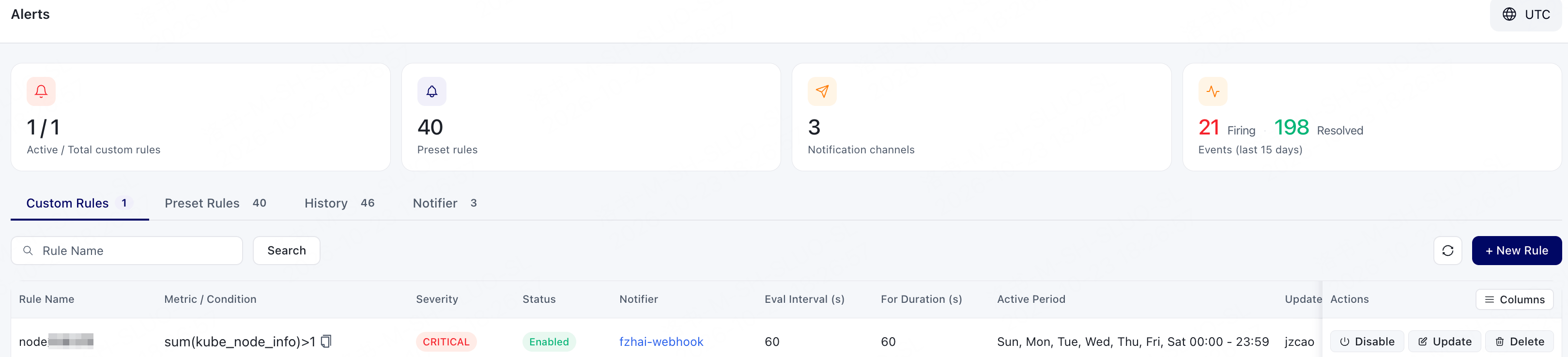
After creation, verify that the rule is displayed and that its enabled status, trigger conditions, and Notifier meet expectations.
Update Custom Rules
- Log in to the GPU Cloud console and go to the Alerts page.
- On the Custom Rules tab, search for and locate the rule that needs to be modified.
- Click Update.
- After modifying the rule configuration, click Confirm.