

Scaling
Inference services support manual and elastic scaling. Before scaling out, confirm that the resource pool has sufficient quota. Before scaling in, ensure that the remaining capacity can handle current traffic, persistent connections, and streaming requests.
Before scaling based on metrics, verify that the service’s Prometheus metrics endpoint returns data: the metrics port must be a positive number, and the metrics path must begin with
/. When configuring rules, carefully check the collection interval, window, calculation method, role, Metrics, labels, threshold, duration, Pod aggregation, minimum replicas, maximum replicas, scaling step, cooldown period, and metric unavailability policy. Missing metrics do not mean the load is 0; follow the page’s policy to skip the action, reuse the last value, or perform fallback handling.
When scaling based on time, verify the scheduled time, target role, target replica count, time zone, cross-day rules, and minimum service capacity. Allow time for resource provisioning and model warm-up. The maximum replica count is only an adjustment limit; the platform does not reserve resources in advance based on it.
If any role in a service uses the variants multi-instance group configuration, metrics-window autoscaling cannot be enabled for the service. After a manual adjustment, an automatic policy may change the target replica count again. Before troubleshooting at a fixed capacity or load testing, decide whether to suspend automatic policies.
Monitoring and alerts
Inference services can collect resource and engine metrics. Resource monitoring shows CPU, GPU, GPU memory, memory, and network usage. Engine monitoring shows request-, latency-, and throughput-related metrics for engines such as vLLM and SGLang.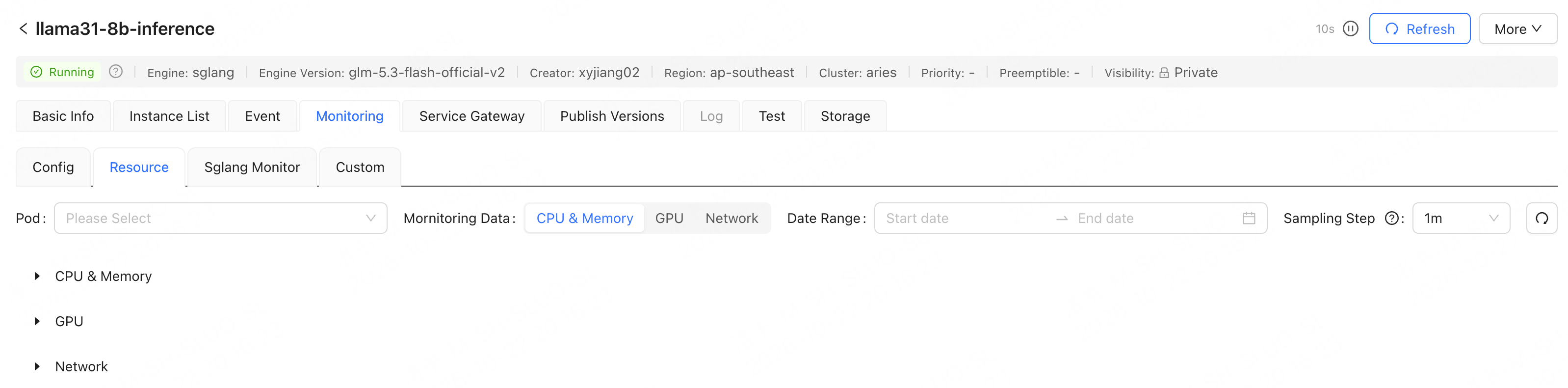
Available service-exception alerts depend on the subscriptions offered in the console. To monitor custom metrics, first verify that the service exposes a metrics path and port.
Priority and preemption
When creating an LLM inference service, use Advanced Config to set Priority and Preemptible. Priority sets the service’s scheduling priority; Preemptible determines whether the service can be preempted. For the configuration entry point and other advanced parameters, see Create an LLM Inference Service.Release and testing
Capabilities such as intelligent routing, distributed KV cache, and custom metrics dashboards depend on the engine, cluster, and service configuration. Enable them according to the business goal only when the page provides the relevant settings. Until the available options and fields are confirmed, do not describe these capabilities as fixed procedures.