

Mount paths and read/write boundaries
Mounting a dataset does not automatically modify scripts or convert data formats. The data paths in training scripts, Notebooks, or service code must match the container mount path.
- Separate inputs and outputs: Datasets are suitable as input data. We recommend writing training outputs, checkpoints, Notebooks, temporary files, and intermediate results to a writable Volume.
- Mount a subdirectory as needed: If a dataset contains multiple versions or subsets, you can mount only the portion you need. This reduces the number of path levels and helps code locate the target data.
- Avoid overwriting critical directories: Avoid mounting to image-provided directories such as
/opt,/workspace, or/usr. Also avoid conflicts with other Volume, dataset, or model mount paths.
Mount to a development environment
- Create a JupyterLab or VS Code Server development environment.
-
In the dataset mount configuration, select the target dataset and check its data version and source directory.
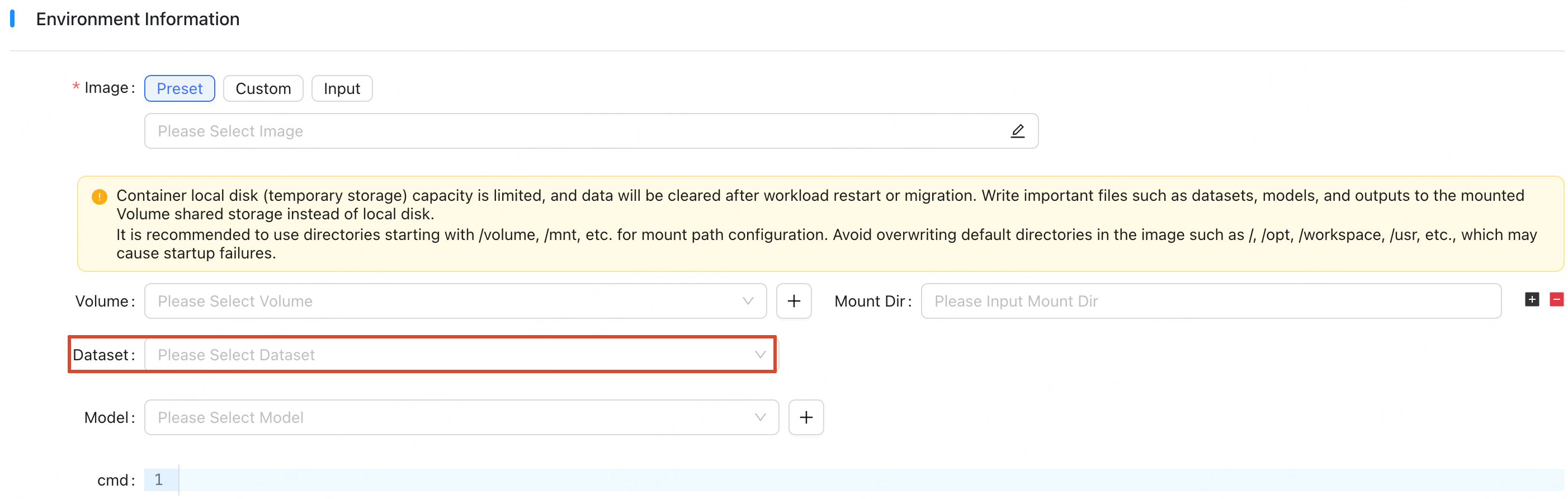
- Select a subdirectory as needed and configure the container mount path.
- Submit the creation request.
Mount to a training job
- Create a training job.
-
In the dataset mount configuration, select the target dataset and check its data version and source directory.
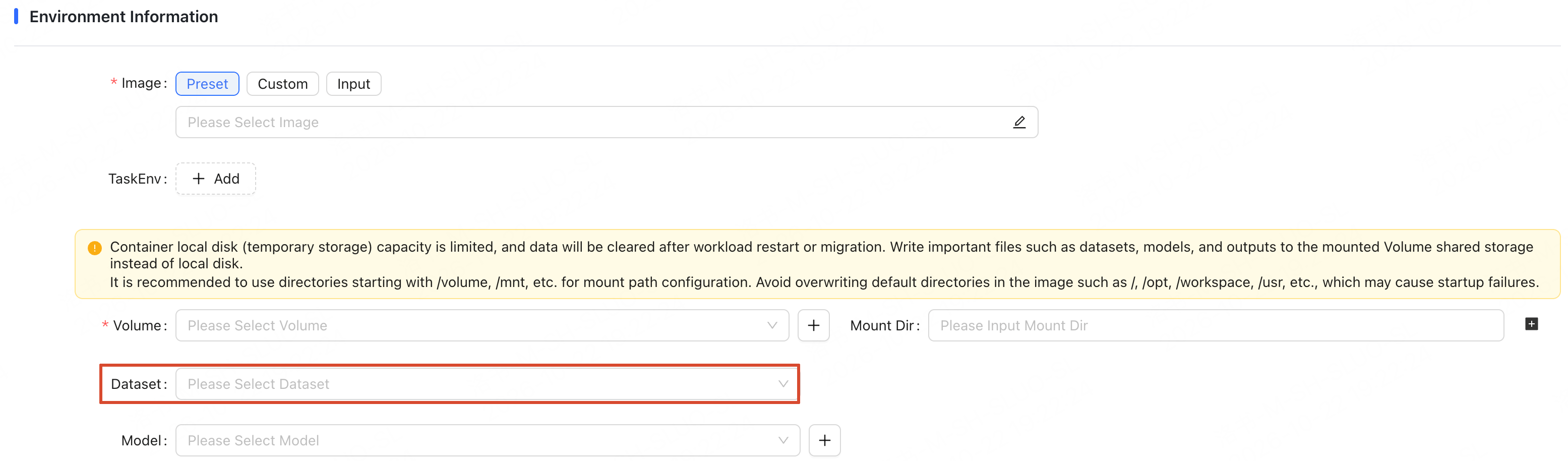
- Select a subdirectory as needed and configure the container mount path.
- Submit the creation request.
Troubleshoot mount issues
If the dataset cannot be read inside the container, check the following in order:- Check that the target dataset is available to the workload in the current region and cluster.
- Check that the region and cluster are consistent with, or accessible to, the development environment or training job.
- Check that the subdirectory is specified correctly.
- Check that the code’s read path matches the container mount path.
- Check that the mount path does not cover an image-provided directory or conflict with another mount path.