

Qwen/Qwen3.5-397B-A17B and kimi-k2.6. For the complete model list and pricing, see Models.
This guide covers both the command-line tool and the VS Code extension.
Configure the CLI
1. Install Claude Code
Install the CLI by following Anthropic’s official instructions.2. Configure environment variables
-
Create an API Key on the API Keys page, then set the following environment variables:
- To keep these variables across sessions on macOS or Linux, add them to
~/.zshrcor~/.bashrc, and then restart the terminal. - Keep your API Key secure. Do not commit it to Git. Environment variables are recommended.
- To keep these variables across sessions on macOS or Linux, add them to
-
Specify the default model.
Claude Code supports setting a default model through environment variables. It also supports mapping different model tiers to specific models.
Specify the default model:
If you want to explicitly map different model tiers, you can also set the following variables. These variable names correspond to Claude Code model tiers, and their values must be model IDs supported by ScitiX:
3. Run Claude Code
Run Claude Code from your project directory:ANTHROPIC_MODEL by default. You can also use the --model parameter to temporarily specify the model for the current session.
Configure the VS Code Extension
1. Install the extension
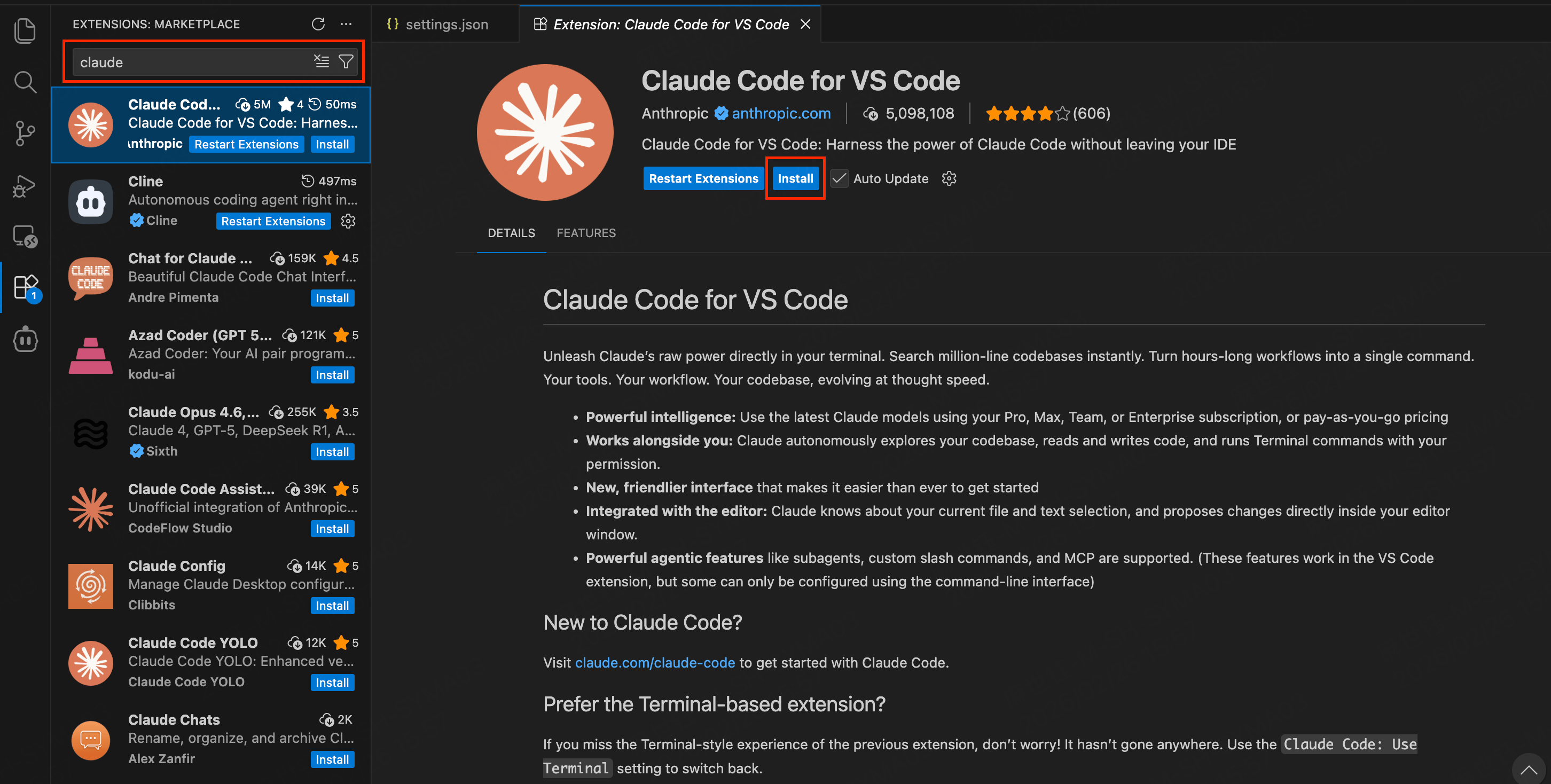
Open Extensions in VS Code (Ctrl+Shift+X / Cmd+Shift+X), search for claude, and install Claude Code for VS Code by Anthropic.
2. Configure the connection
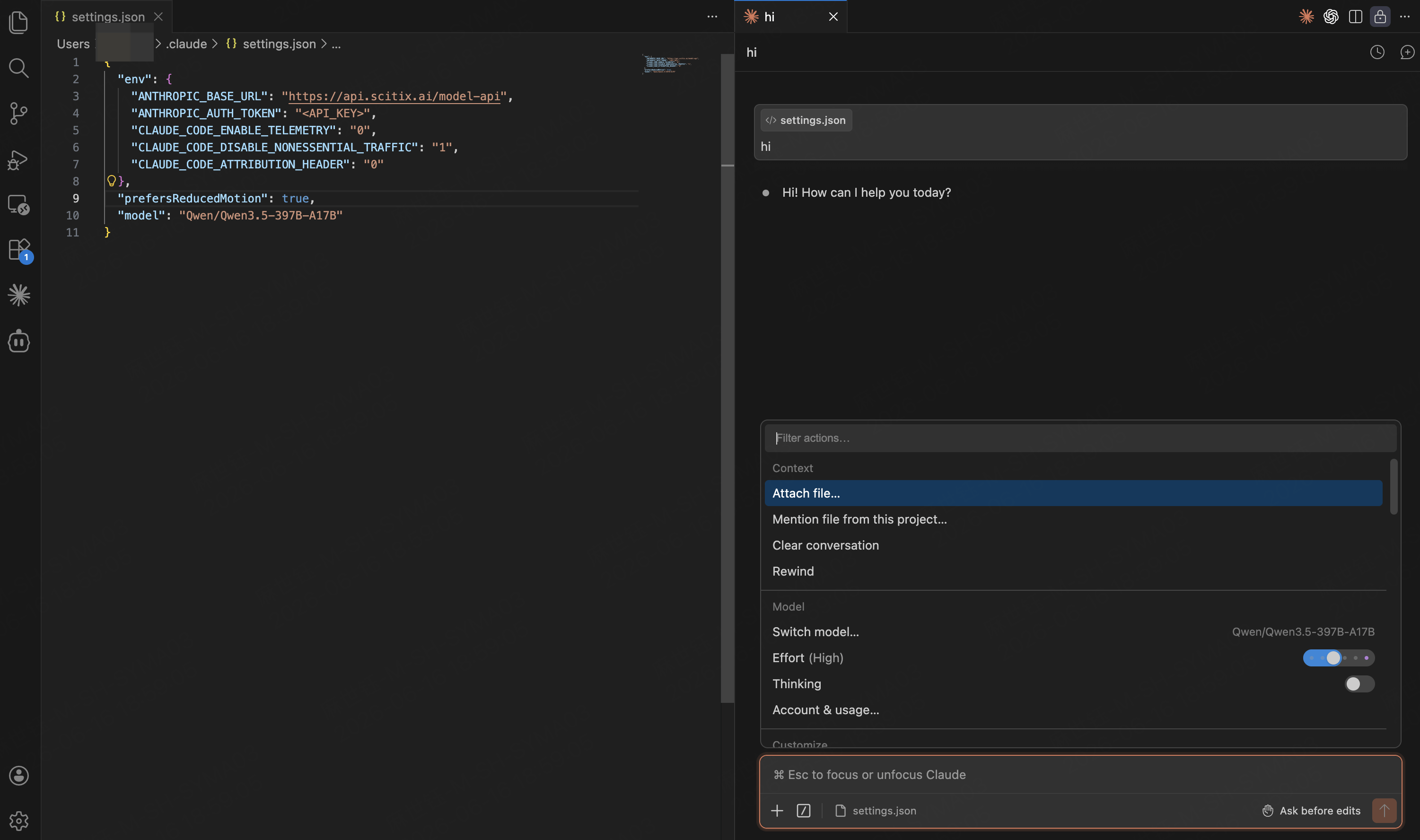
Create or edit~/.claude/settings.json, then add the configuration below. Replace <API_KEY> with your ScitiX API Key.
After saving, reload the VS Code window so the settings take effect.
3. Choose an edit mode
Click the Claude Code icon in the top-right of VS Code to open the panel. In the lower-left corner of the panel, choose how edits are applied.FAQ
Why do I still see usage from a Sonnet model after switching the primary model?
In some modes, Claude Code may send additional model requests for permission checks, tool-use approval, or background tasks. For example, inauto permission mode, Claude Code may use a classifier to determine whether certain tool calls can run.
If you have switched the primary model through ANTHROPIC_MODEL but still see usage from a Sonnet-related model, check whether ANTHROPIC_DEFAULT_SONNET_MODEL is also configured.
-
For the CLI, set the environment variable in your terminal. To keep it across sessions, add it to
~/.zshrcor~/.bashrc: -
For the VS Code extension, add it to
envin~/.claude/settings.json: