Query Audit Logs
- Log in to the GPU Cloud console.
- Go to STORAGE > Registry and select a region.
- In the upper-right corner of the page, click Audit Logs.
-
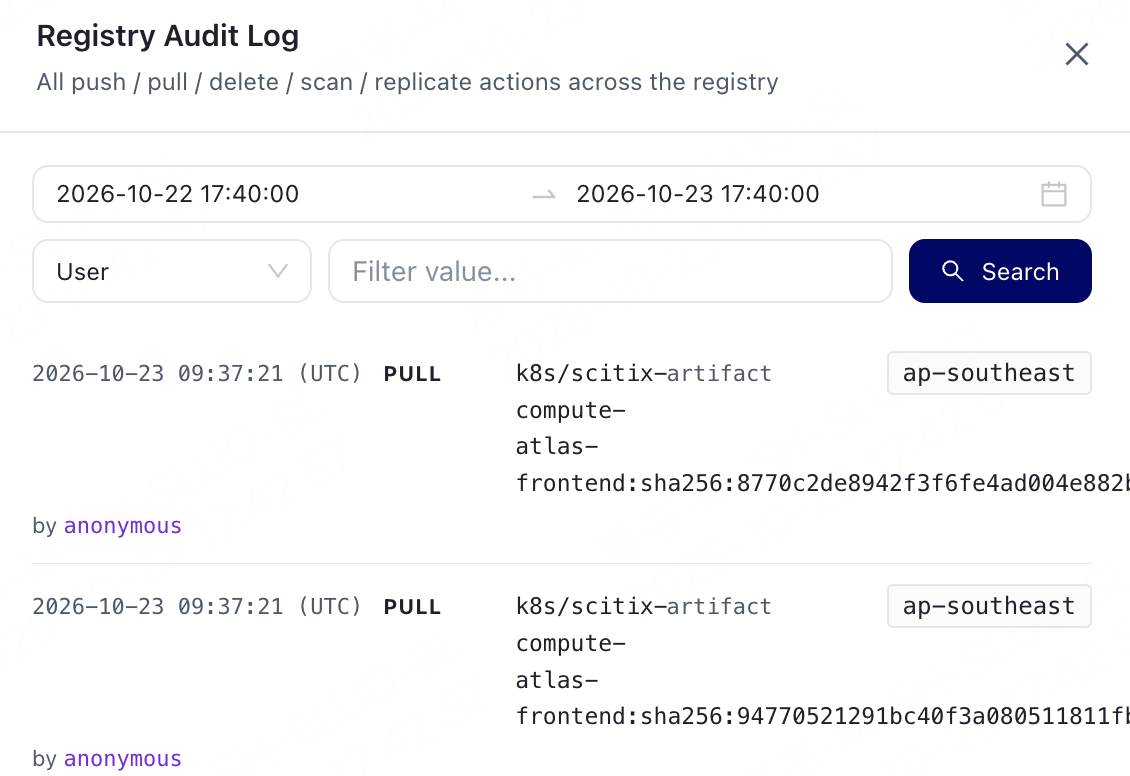
Set the query criteria in the pop-up panel, then click Search.
Locate target records by operation time, event type, operator, and associated resources. Available operation types and query scope are subject to the audit records in the selected region. If no target records are found, first expand the time range, then check the region and filter criteria.
-
View the query results.