> ## Documentation Index
> Fetch the complete documentation index at: https://docs.scitix.ai/llms.txt
> Use this file to discover all available pages before exploring further.
# Refly
> Learn how to add an OpenAI-compatible provider in Refly, configure the Base URL, and use ScitiX models in AI workflow orchestration.
[Refly](https://github.com/refly-ai/refly) is an open-source AI workflow orchestration platform for vibe workflows. It supports custom **OpenAI**-compatible providers, so you can connect Refly to ScitiX Model Inference.
This guide uses `glm-5.2` as an example. For the full model list and pricing, see [Models](https://console.scitix.ai/model-inference/models).
## Configure
Create an API Key on the [API Keys](https://console.scitix.ai/model-inference/api_keys) page. After signing in to Refly, open **Settings > Model Config** or **Provider Config**, choose **Add Provider**, and fill in:
| Field | Value |
| -------- | ----------------------------------------------------------------------------------------------- |
| Type | **OpenAI** |
| Name | A custom name, such as `scitix` |
| Category | LLM |
| API Key | Your API Key created on the [API Keys](https://console.scitix.ai/model-inference/api_keys) page |
| Base URL | `https://api.scitix.ai/model-api/v1` |
Choose **Test Connection**. When Refly shows **Connection test successful**, choose **Add**.
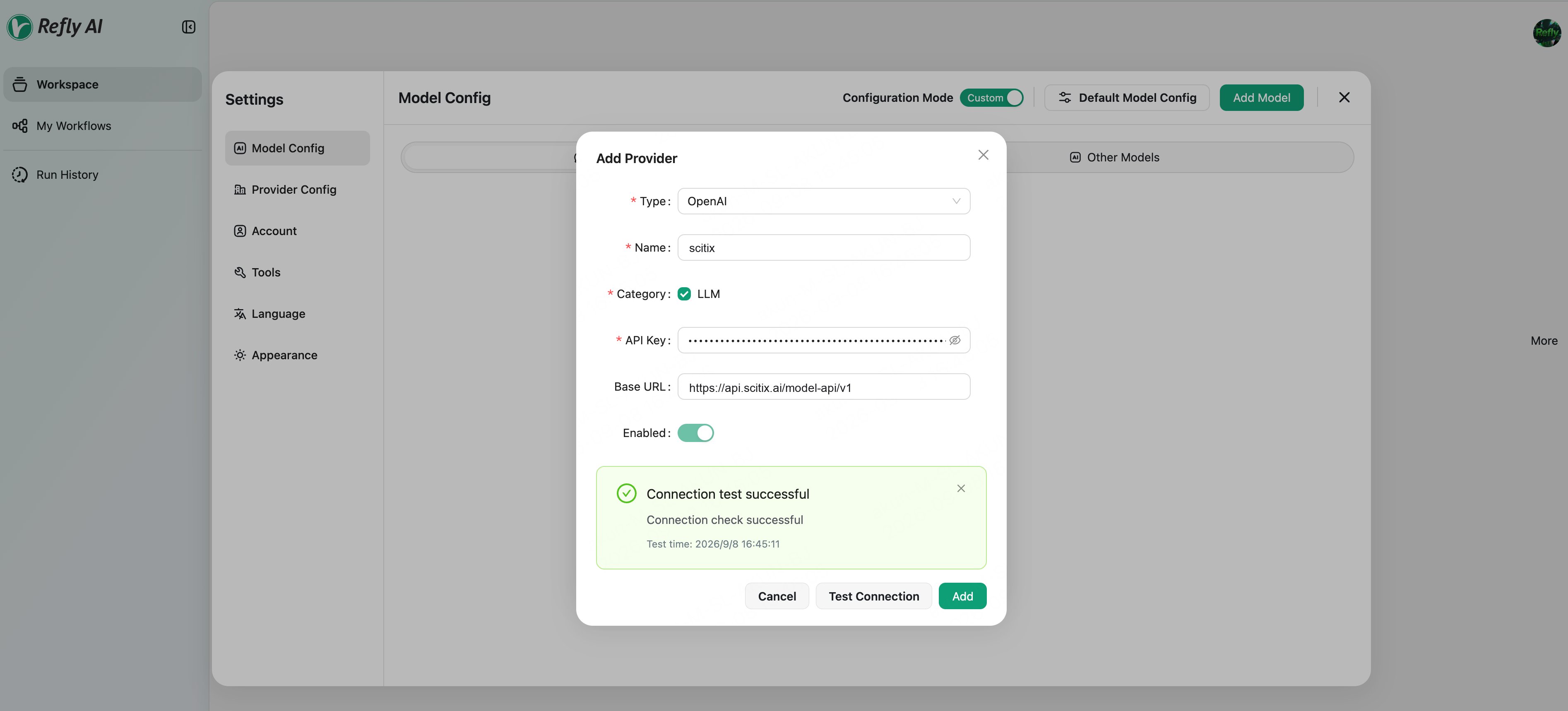 After saving the provider, choose **Add Model** and enter the model ID `glm-5.2`.
## Verify
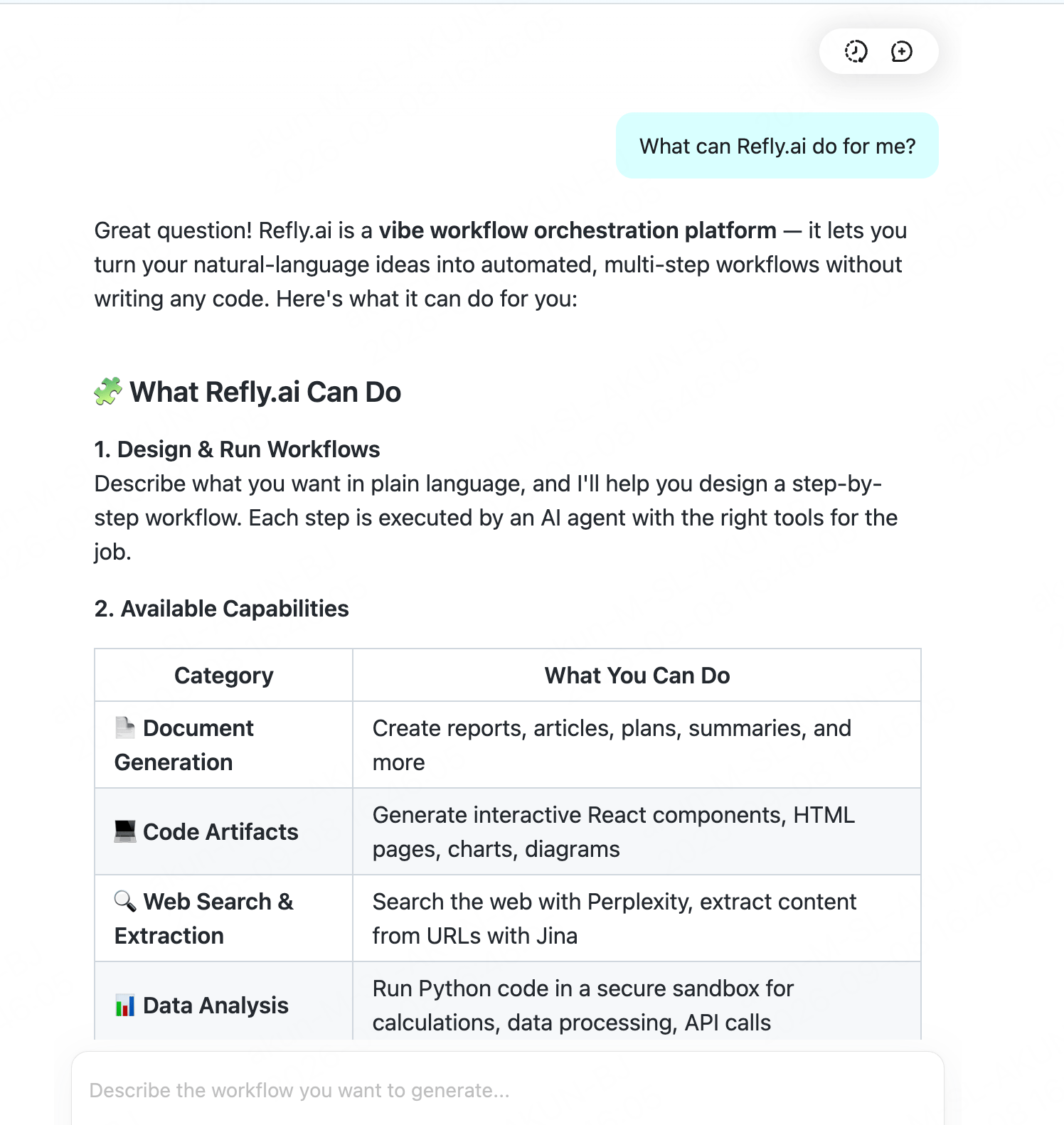
Use the model in a conversation and send a message. A normal reply confirms that the connection works.
After saving the provider, choose **Add Model** and enter the model ID `glm-5.2`.
## Verify
Use the model in a conversation and send a message. A normal reply confirms that the connection works.
 ## FAQ
* **Provider Type**:
Select **OpenAI**. Its Base URL is configurable, so no dedicated ScitiX preset is required. Refly uses LangChain `ChatOpenAI` in the backend.
* **Provider configuration location**:
Providers are configured in the Web UI and saved to the account, not through environment variables. Use **Test Connection** after adding the provider to confirm connectivity.
* **Tool or workflow capabilities**:
Choose a model that supports tool calling. `glm-5.2` supports tool calling.
## FAQ
* **Provider Type**:
Select **OpenAI**. Its Base URL is configurable, so no dedicated ScitiX preset is required. Refly uses LangChain `ChatOpenAI` in the backend.
* **Provider configuration location**:
Providers are configured in the Web UI and saved to the account, not through environment variables. Use **Test Connection** after adding the provider to confirm connectivity.
* **Tool or workflow capabilities**:
Choose a model that supports tool calling. `glm-5.2` supports tool calling.