> ## Documentation Index
> Fetch the complete documentation index at: https://docs.scitix.ai/llms.txt
> Use this file to discover all available pages before exploring further.
# RAGFlow
[RAGFlow](https://github.com/infiniflow/ragflow) is an open-source RAG engine built on deep document understanding. You can build knowledge bases from your documents and chat over them. Its **OpenAI-API-Compatible** provider points both chat and embedding models to the ScitiX Model Inference API.
Deploy RAGFlow with Docker Compose by following the [official guide](https://ragflow.io/docs/dev/), then open the web UI. The default URL is `http://localhost`.
Supported chat models include `glm-5.2` and `DeepSeek-V4-Flash`. The embedding model in this guide is `Qwen/Qwen3-Embedding-8B`. See the [model catalog](https://console.scitix.ai/model-inference/models).
## Configure
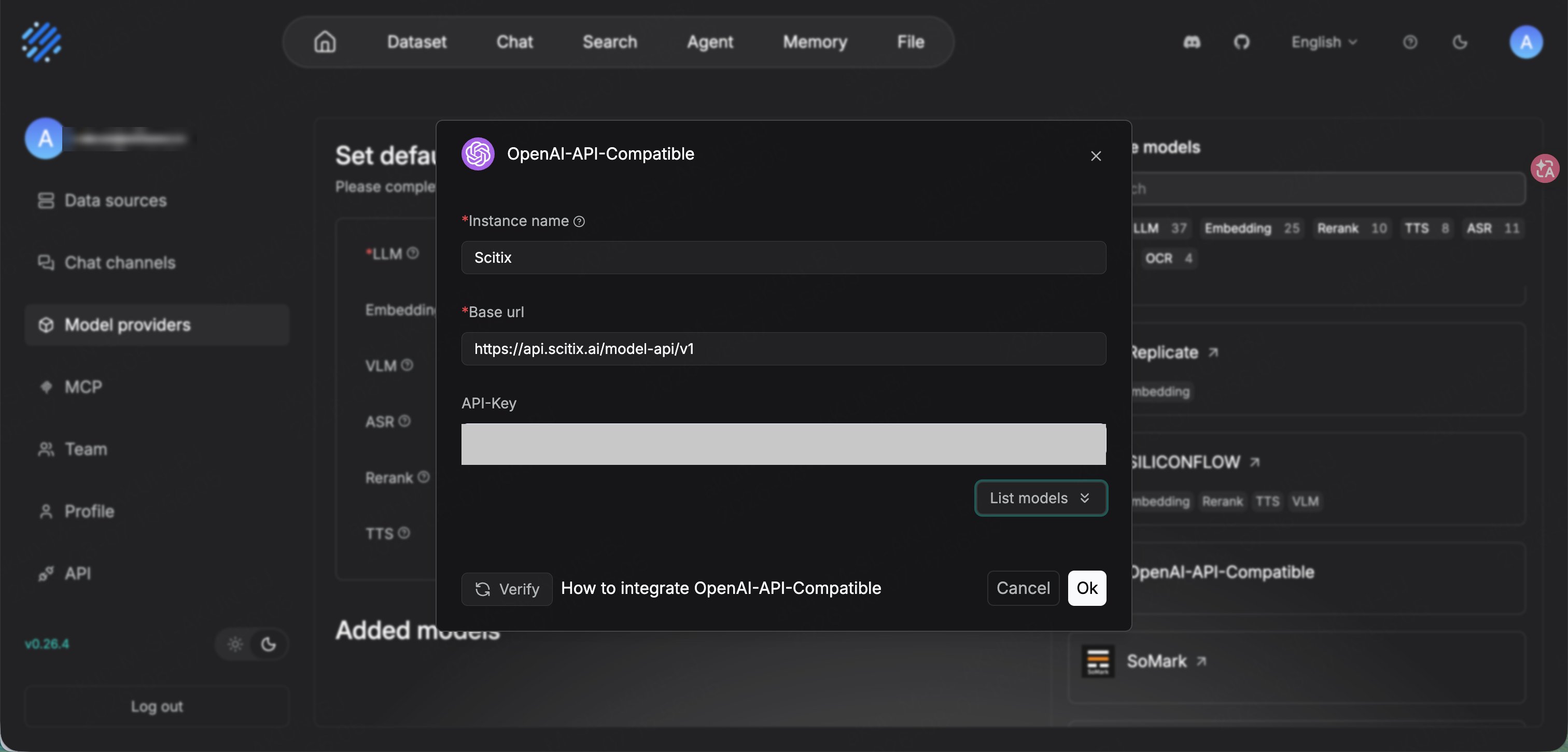
Create an API Key on the [API Keys](https://console.scitix.ai/model-inference/api_keys) page, then open **Model providers** from the top-right avatar menu. Find **OpenAI-API-Compatible** and add it.
| Field | Value |
| ------------- | ------------------------------------------------------------------------------------------------ |
| Instance name | `ScitiX` |
| Base url | `https://api.scitix.ai/model-api/v1` |
| API-Key | Your API Key created on the [API Keys](https://console.scitix.ai/model-inference/api_keys) page. |
**Base url** must include `/v1`. RAGFlow's OpenAI-API-Compatible provider appends `/chat/completions` and `/embeddings`.
Click **List models** to fetch the available models and confirm connectivity, then click **Ok**.
Add the models you need and choose the correct **model type** for each.
| Model type | Model |
| ---------- | ------------------------- |
| chat | `glm-5.2` |
| embedding | `Qwen/Qwen3-Embedding-8B` |
RAGFlow keeps chat and embedding models in separate lists. Add `glm-5.2` as **chat** and `Qwen/Qwen3-Embedding-8B` as **embedding**. Choose a chat model with native tool calling if you use agent features.
 Back on the **Model providers** page, under **Set default models**, set **LLM** to `glm-5.2` and **Embedding** to `Qwen/Qwen3-Embedding-8B`.
RAG needs an embedding model. Set a ScitiX embedding model, such as `Qwen/Qwen3-Embedding-8B`, as the default embedding model. Otherwise, dataset parsing or retrieval will not work.
## Verify
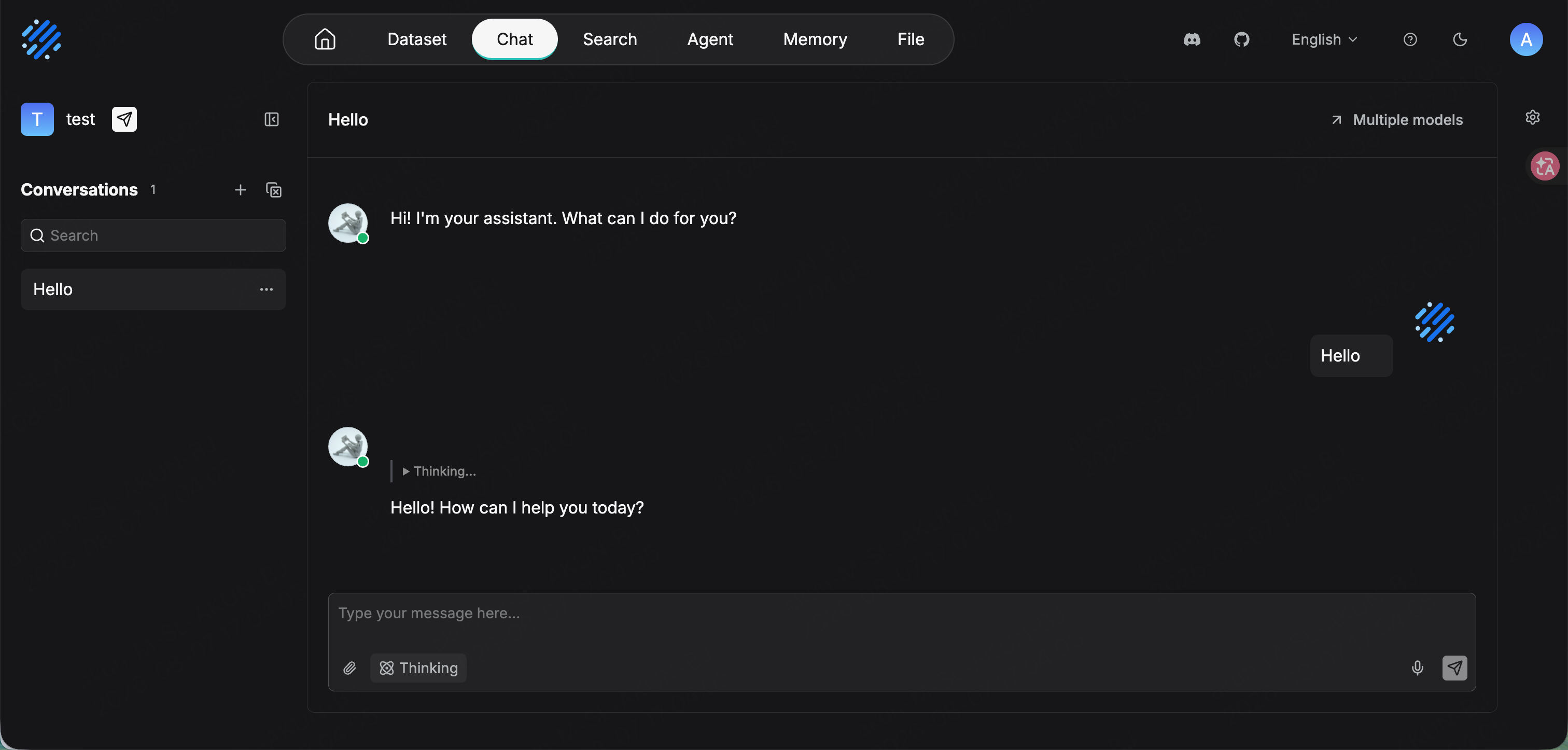
Create a chat assistant from **Chat → Create an Assistant**, or use the default one. Confirm that its model is `glm-5.2`, then send a message. A normal reply confirms that the connection works.
For document RAG, create a **Dataset** with `Qwen/Qwen3-Embedding-8B` as the embedding model, upload and parse a document, then bind the dataset to a chat assistant.
Back on the **Model providers** page, under **Set default models**, set **LLM** to `glm-5.2` and **Embedding** to `Qwen/Qwen3-Embedding-8B`.
RAG needs an embedding model. Set a ScitiX embedding model, such as `Qwen/Qwen3-Embedding-8B`, as the default embedding model. Otherwise, dataset parsing or retrieval will not work.
## Verify
Create a chat assistant from **Chat → Create an Assistant**, or use the default one. Confirm that its model is `glm-5.2`, then send a message. A normal reply confirms that the connection works.
For document RAG, create a **Dataset** with `Qwen/Qwen3-Embedding-8B` as the embedding model, upload and parse a document, then bind the dataset to a chat assistant.